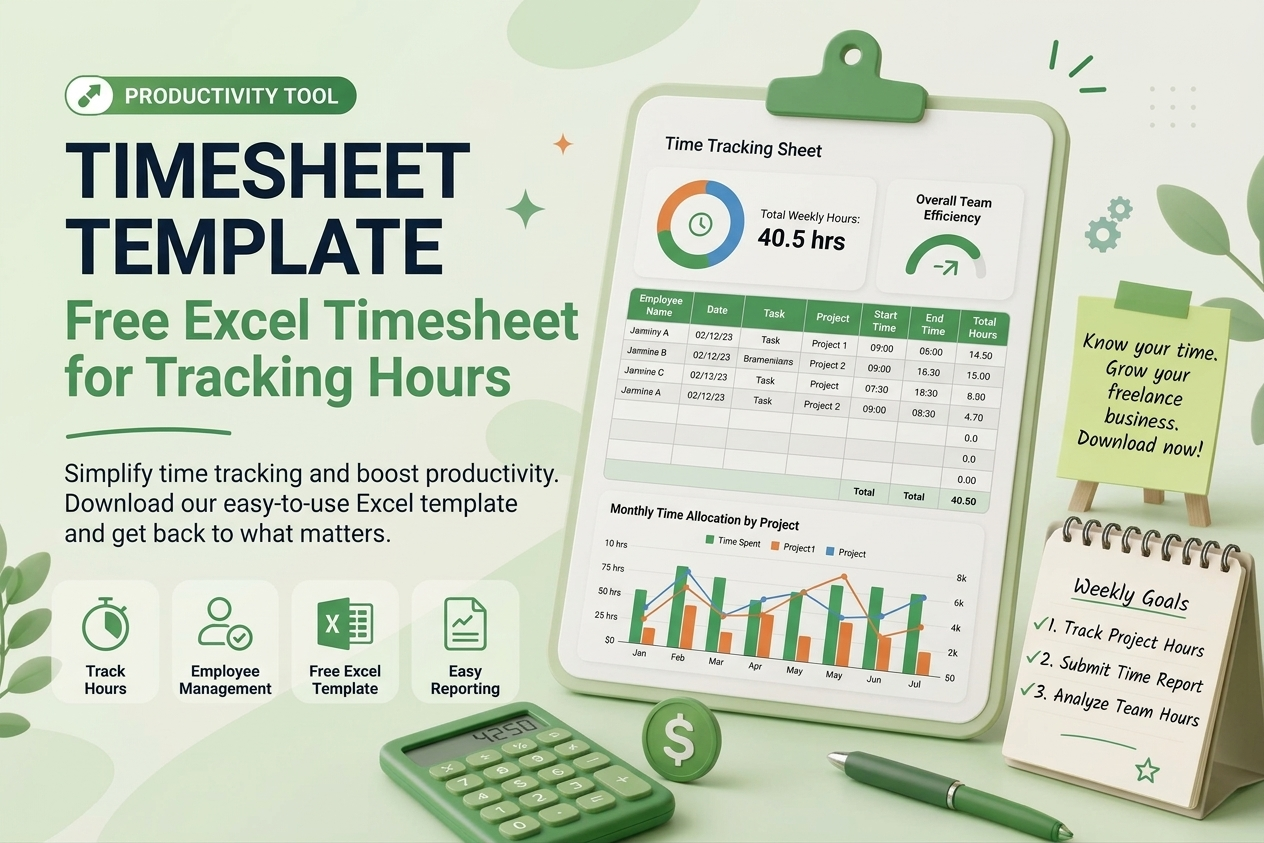
A timesheet template gives you a simple place to record the hours you actually worked — by date, client, project, and task — so billing does not depend on Friday-night guesswork.
This guide explains what a timesheet is, how to fill one out correctly, how to separate billable and non-billable time, and how freelancers and small teams use timesheets for client work. You can also download a free timesheet template and start today.
If you already plan your day with blocks, a timesheet answers a different question: what really happened. Both habits help. Only one becomes the invoice trail.
What Is a Timesheet?
A timesheet is a record of work time. In client businesses, it usually answers five questions:
- When did the work happen?
- Who was it for?
- What was the task?
- How long did it take?
- Should the client pay for it?
That is why a work timesheet template is useful beyond “attendance.” Freelancers use it to protect income. Agencies use it to see where delivery hours go. Consultants use it to keep retainers honest.
A blank notebook can hold the same facts. A structured sheet makes those facts easier to total, review, and reuse when you prepare invoices.
What Is a Timesheet Template?
A timesheet template is a ready-made layout — often a timesheet template excel file or Google Sheet — with columns already labeled. You fill rows. You do not invent the structure every Monday.
A simple timesheet template usually includes fields for date, client or project, task, start time, end time, hours, billable status, and notes. An employee timesheet template may focus on shift hours. A timesheet for freelancers usually needs client and project columns too.
The point of a free timesheet template excel download is speed and consistency. Same columns every week means cleaner totals and fewer forgotten fields.
What Should a Good Timesheet Include?
You do not need twenty columns. You need the fields that make an entry useful later.
Date
Record the calendar day the work happened. End-of-week reconstruction gets fuzzy without it.
Client or Project
Name the client and, when useful, the project. “Website redesign” without a client name becomes a problem the moment you have two redesigns running.
Task Description
Be specific enough for an invoice line: “Homepage wireframes,” not “work.” Future-you — and the client — will thank present-you.
Start and End Time
Start and end times make duration checkable. They also reveal patterns, like meetings that always overrun.
Total Hours
Calculate hours worked from start and end, or enter decimals (2.5 for two hours thirty minutes). This is the core of any hours worked template.
Billable or Non-Billable Time
A timesheet template with billable hours needs a clear Yes/No (or Billable/Internal) mark. Mixing the two silently is how profitable weeks look busy and thin.
Notes
Optional, but useful for scope changes, waiting on feedback, or “quick fixes” that were not quick.
How to Fill Out a Timesheet
Here is how to fill out a timesheet without turning it into a second job. The same steps apply when you learn how to use a timesheet template for the first time.
- Choose the date of the work.
- Add the client or project.
- Describe the task in plain language.
- Record the start and end time (or enter hours directly if that is your habit).
- Calculate total hours worked.
- Mark the entry billable or non-billable.
- Add a short note if the context matters.
- Review the row before you move on.
Best practice: log soon after you finish a block of work. Waiting until Friday forces you to invent a story. A consistent work hours tracker beats a perfect one you abandon.
If your question is simply how to track hours worked, start with one day of honest entries. Accuracy compounds faster than elaborate systems.
Timesheet Example for Client Work
Here is a realistic Monday for a freelancer juggling two clients and a little internal admin. This is what a timesheet template for client work can look like in practice:
| Date | Client | Project | Task | Start | End | Hours | Billable |
|---|---|---|---|---|---|---|---|
| Monday | Client A | Website Redesign | Homepage Design | 09:00 | 11:30 | 2.5 | Yes |
| Monday | Client B | SEO Campaign | Keyword Research | 13:00 | 15:00 | 2 | Yes |
| Monday | Internal | Admin | Email & Planning | 15:30 | 16:00 | 0.5 | No |
By evening, the sheet shows 4.5 billable hours and 0.5 non-billable. That split matters when you invoice Client A and Client B separately — and when you ask whether admin is eating too many afternoons.
Billable vs Non-Billable Hours
Billable hours are work a client pays for. Non-billable hours are real work that usually does not appear on their invoice.
Often billable:
- Client meetings
- Design or development
- Consulting sessions
- Campaign management
- Agreed revisions
Often non-billable:
- Internal planning
- Administration
- Business development
- Learning that is not part of a paid engagement
- Unscoped “quick favors” you choose not to charge
Learning how to track billable hours on a timesheet is less about perfection and more about honesty. If everything is marked billable, your profitability story is fiction. If nothing admin-related is logged, you will never see the true cost of running the business.
Daily vs Weekly Timesheets
Most people need both rhythms, even if they only keep one spreadsheet open.
Daily Timesheet
A daily timesheet template captures the day in detail — useful when tasks switch often or when you want a free daily timesheet template habit that prevents leakage. It is also a natural fit for an employee hours tracking spreadsheet where shifts and activities change by the hour.
Weekly Timesheet
A weekly timesheet template is better for review and billing. You see the whole week, client totals, and whether one account dominated delivery. A free weekly timesheet template is especially useful before you write invoices on Friday.
If you only keep a weekly sheet and fill it from memory, accuracy drops. If you only keep daily sheets and never roll them up, invoicing gets slow. Use daily capture, weekly review.
Timesheet Template for Freelancers
A timesheet template for freelancers should make client boundaries obvious. Every row should answer: whose money does this hour belong to?
A practical weekly timesheet template for freelancers helps you:
- Log hours per client and project
- Separate billable delivery from unpaid admin
- Spot tiny tasks that never reached the invoice
- Build weekly totals before you send bills
- Keep a paper trail if a client questions a line item
If unlogged work is already costing you, pair this habit with how to track billable hours without losing income.
Timesheet Template for Agencies and Small Businesses
Agencies and small teams use timesheets to understand delivery load across clients — not only to clock in. A timesheet template for agencies and a timesheet template for small business both serve the same core need: visible hours by account.
Useful questions a shared sheet can answer:
- Which client consumed the most hours this week?
- Are meetings crowding out production?
- Is a fixed-fee project running over estimate?
- Where is non-billable time concentrating?
Keep the format simple enough that people will actually fill it. An elegant spreadsheet nobody opens loses to a plain hours tracking template that gets used daily.
Common Timesheet Mistakes
- Rebuilding the week from memory: Log same-day. Memory rounds down.
- Skipping small tasks: Messages and “five-minute” fixes add up.
- Mixing billable and non-billable hours: Always mark the difference.
- Wrong client or project: Fix names immediately — messy labels create messy invoices.
- Vague start/end times: Approximate is fine; invented is not.
- No weekly review: Totals only help if someone looks at them.
- Inconsistent habits: A simple work hours tracking template used every day beats a detailed system used twice a month.
Timesheets and Invoicing
The clean path looks like this:
- Work completed
- Hours recorded
- Billable hours calculated
- Invoice prepared
A timesheet will not create the invoice for you — and it should not pretend to. What it does is give you evidence. When Client A asks why the month looks higher, you can point to dated tasks instead of a shrug.
That is also where a time tracking and invoicing template mindset helps: keep hours tied to clients and projects so the billing conversation stays factual.
Timesheet Template vs Time Tracking Software
A manual timesheet spreadsheet and digital time tracking solve related problems in different ways.
Timesheet template:
- Simple to download and share
- Good for basic records and weekly review
- Works offline in Excel or Sheets
- Depends on you remembering to enter time
Time tracking software:
- Better for recording time as work happens
- Useful when you manage multiple clients and projects
- Reduces end-of-week reconstruction
- Keeps hours closer to the work itself
Start with the free template if you need a clear record today. Move to dedicated software when the spreadsheet becomes a weekly archaeology project.
Download the Free Timesheet Template
The free timesheet template is built to help you organize:
- Hours worked
- Clients and projects
- Tasks
- Billable hours
- Daily activity in timed slots
- Simple totals for review
Open it in Google Sheets, or download a copy as Excel if you prefer a local timesheet spreadsheet. Replace the sample name and date with yours, then fill the activity column as you work.
Track your hours, organize client work, and keep your billable time in one simple spreadsheet.
Download the Free Timesheet Template
Track Your Actual Working Time With Aenflow
A spreadsheet is a strong start. When you regularly track time across clients and projects, a dedicated workspace can keep hours closer to the work itself.
Aenflow connects client work through projects, tasks, and time tracking so you can track your working hours beside the jobs that generated them — then use those records when you prepare invoices. It does not automate your week. It helps you keep the record organized.
If you also want to plan when work happens, see the free time blocking template. Planning and logging are different tools. Most busy freelancers eventually need both.
FAQ
Quick answers about timesheets, billable hours, and the free template:
What is a timesheet template?
A timesheet template is a ready-made spreadsheet for recording date, client or project, task, start and end time, total hours, and whether the work was billable.
Is this a free timesheet template Excel file?
Yes. You can open the free timesheet template in Google Sheets or download it as Excel. It is designed as a simple hours tracking template for client work.
Should I use a daily or weekly timesheet?
Use a daily timesheet template when you need detailed day-by-day entries. Use a weekly timesheet template when you want one view of the week before you invoice.
How do freelancers use a timesheet?
A timesheet for freelancers usually lists each client, project, and task with hours worked. Marking billable vs non-billable time makes weekly totals easier to turn into invoices.
What is the difference between a timesheet and time tracking software?
A timesheet spreadsheet is a manual record you fill in. Time tracking software records hours as you work on clients and projects, which reduces end-of-week reconstruction.
How do I track billable hours on a timesheet?
Add a Billable column and mark each entry Yes or No. At week end, filter or total only the Yes rows before you prepare the invoice.
Conclusion
A timesheet works when it is specific, timely, and honest about billable vs non-billable work. Use clear clients and tasks, log soon after you work, and review weekly totals before you invoice.
Download the free timesheet template, fill one real day, and notice what you usually forget. That gap is exactly what accurate records are meant to catch.
Download Free Timesheet Template
When you are ready to keep client tasks and tracked hours in one place, explore Aenflow time tracking or more time tracking guides.