Ask a small business owner where last week’s hours went and you will often get a shrug. The work happened. The chat happened. The “quick call” happened. The invoice… guessed. That gap is why the best time tracking methods for small business are not about surveillance. They are about visibility: what got done, for whom, and what should be billed.
This use-case guide is written for small business owners, freelancers, and lean teams who sell time or delivery. You will get direct answers, method-by-method steps, real scenarios (solo freelancers, agencies, remote teams), and a practical way to connect time tracking and invoicing without turning your week into admin theater.
Search intent here is mixed: informational methods first, with a light commercial edge when software genuinely removes friction. We will cover how to track time for small business in ways people actually keep — including when simple time tracking software beats a heavy timesheet suite.
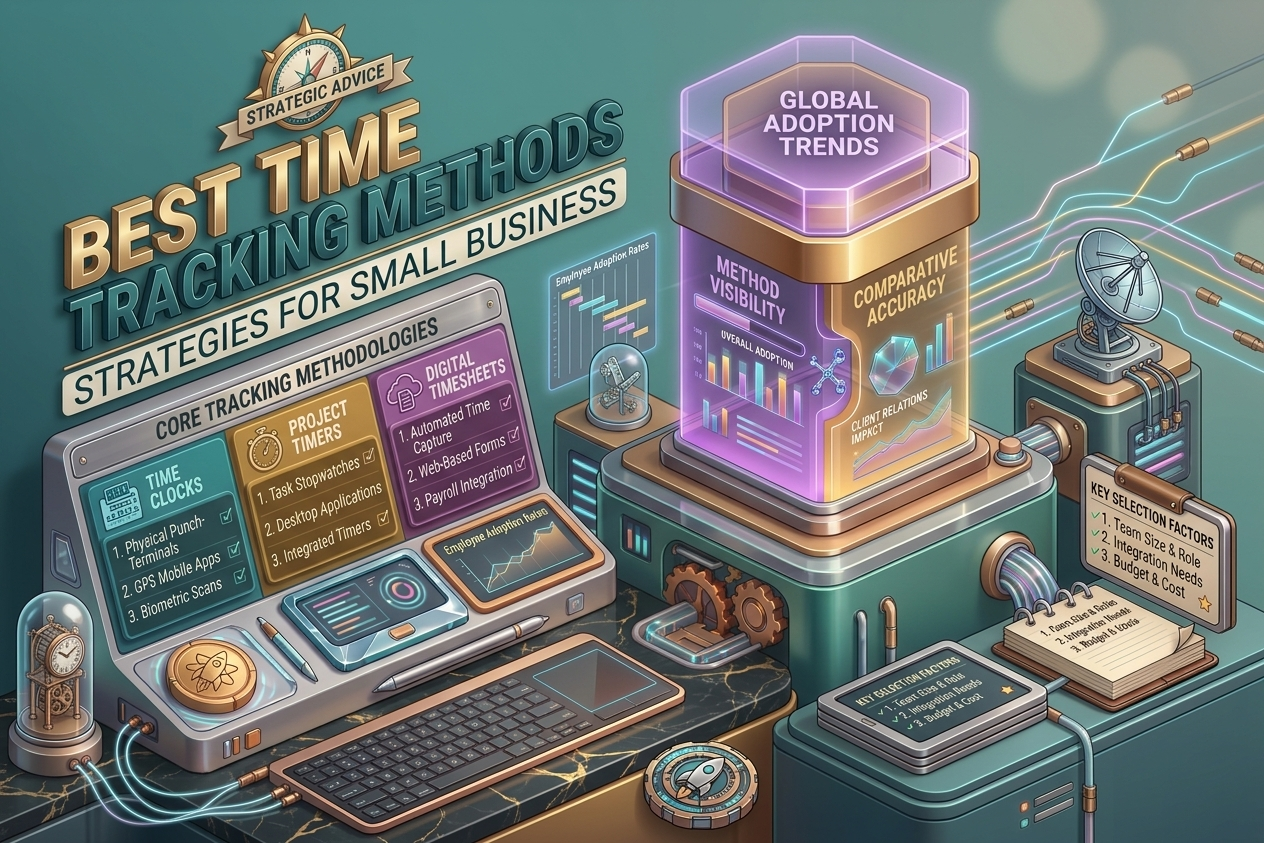
What are the best time tracking methods for small business? (Direct answer)
The best time tracking methods for small business combine three habits: track on tasks (not blank timesheets), review hours weekly, and turn billable time into invoices on a fixed cadence. Tools matter only when they make those habits easier than skipping them.
Why time tracking for small business fails (and how this guide is different)
Most articles list apps. Owners already know apps exist. What they need is a method that survives a busy Tuesday. Time tracking for freelancers and small teams fails when:
- Logging requires opening a separate app and hunting for a project name
- Categories are vague (“admin,” “misc”) so invoices stay useless
- Nobody reviews hours until month-end panic
- Timers never connect to billing, so tracking feels like unpaid homework
The methods below attack those failure points. Each one includes steps and a use-case example you can copy.
Method 1: Task-based timers (the default for service businesses)
If you only adopt one approach, make it this: start a timer on the task you are already doing, under the correct client. That is the backbone of serious time tracking for small business.
- Create (or open) the task before you start the work.
- Start the timer when work starts; stop when you switch.
- Name tasks as outcomes, not vibes (“Homepage revision round 2”).
- If an interruption becomes real work, create a new task and track it.
- At day’s end, scan for open timers and missing entries (2 minutes).
Use case — freelancer: A designer stops logging “client work 3 hours” in a notebook. They track on tasks per client. Invoices write themselves from entries. That is a time tracking app for freelancers used as a billing system, not a guilt machine. See Aenflow time tracking when timers should sit on client tasks.
Method 2: Weekly timesheet review (even if you use live timers)
Live timers capture reality. A weekly review turns reality into decisions. Timesheet software for small business is most useful as a review surface — not as a Friday night reconstruction ritual.
- Block 20–30 minutes every Friday.
- Compare planned work vs logged hours by client.
- Flag missing entries while memory is fresh.
- Mark hours as billable, non-billable, or write-off with a reason.
- Queue invoice drafts for anything ready to bill.
Use case — 6-person agency: PMs stop chasing screenshots. Everyone runs timers all week; Friday is a shared review of burn vs retainer caps. Overages become change orders instead of silent losses.
Method 3: Calendar-block tracking for meeting-heavy roles
Owners and consultants live in meetings. If your day is calendar-shaped, convert blocks into time entries instead of inventing hours later.
- Title calendar events with client or project codes.
- After each meeting, log the block to the matching task (or batch at lunch).
- Separate internal meetings from client-billable calls.
- Review which meetings produce no outcomes — then cut them.
Use case — consultant: A strategy consultant tags events “Client A / discovery.” Logging takes seconds. Billable utilization becomes visible without a separate timesheet fight.
Method 4: Pomodoro-style focus blocks with a running timer
Some people cannot keep a timer running all day. Use focus blocks: 25–50 minutes of deep work with the timer on, then a short break. You still get accurate billable data without living inside a stopwatch.
- Pick one task and one focus length.
- Start the timer; silence chat.
- When the block ends, stop the timer and note progress.
- Batch messages between blocks — not during them.
Use case — remote freelancer: A copywriter uses two morning blocks for deep drafts. Afternoon is meetings and admin. Productivity rises because tracking reinforces focus instead of interrupting it.
Method 5: Retainer burn tracking (capacity method)
Retainers die when hours are invisible. Track burn against the monthly fee so you know when to pause, upsell, or renegotiate.
- Define monthly hour caps (or value caps) per retainer.
- Log all retainer work to that client’s projects.
- Review burn at mid-month and month-end.
- When burn hits 80%, notify the client with options: pause, expand, or prioritize.
Use case — small agency: An account hits 90% of hours by week three. The PM scopes remaining work instead of “just shipping everything.” Margin survives. That is time tracking for small business used as account management.
Method 6: Time tracking and invoicing as one workflow
If tracking never becomes a bill, people quit tracking. The method is simple: invoice from entries on a fixed cadence.
- Choose weekly or biweekly billing for hourly work.
- Generate invoice line items from tracked time.
- Adjust, then send — do not rebuild from memory.
- Keep unpaid invoices visible next to delivery work.
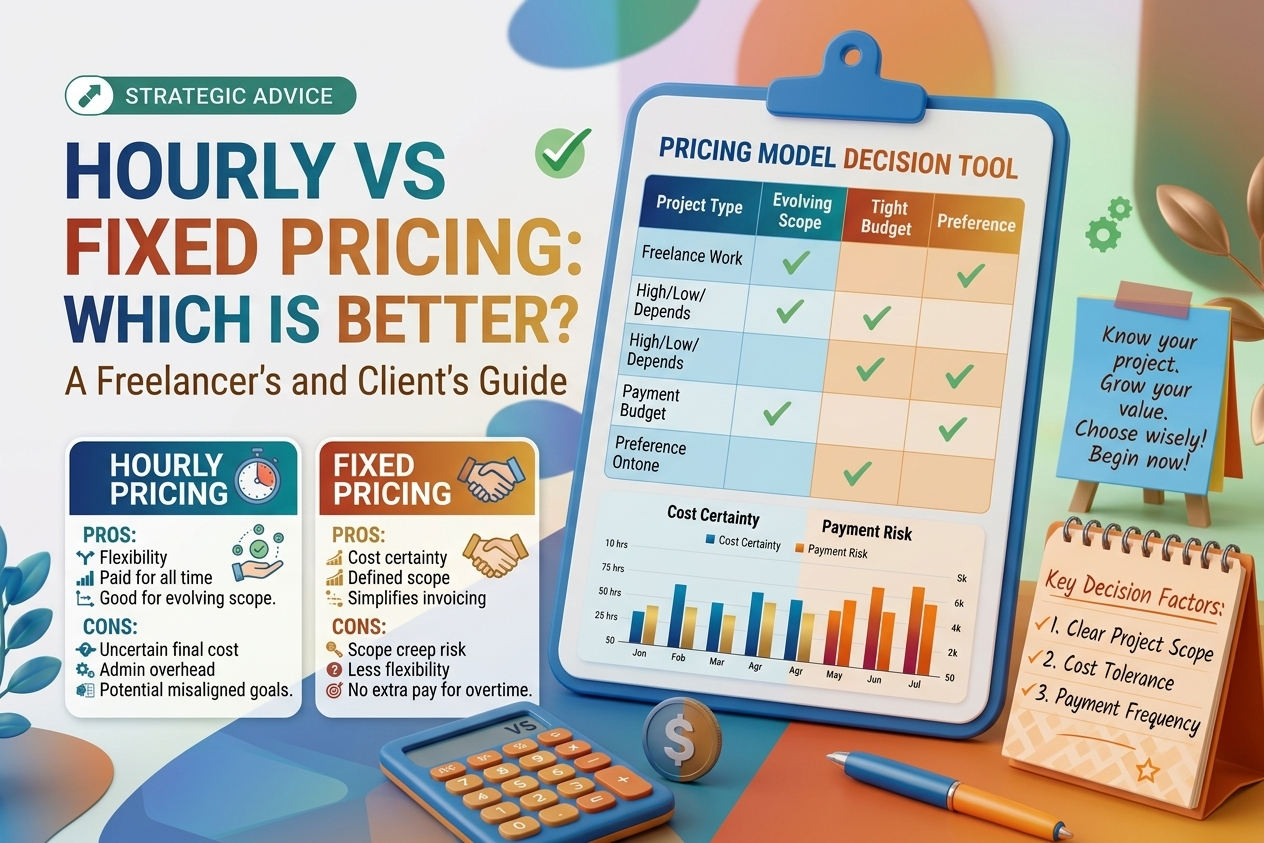
Use case — freelancers who bill hourly: Time tracking and invoicing for freelancers works when the same system owns clients, tasks, hours, and invoices. Rebuilding bills in a separate spreadsheet is how cash delays start. Pair this with invoice management and, if rates are unclear, hourly vs fixed pricing.
Method 7: Team roll-up for owners (without micromanaging)
Owners do not need to watch every minute. They need a weekly roll-up: hours by client, billable vs non-billable, and stalled work.
- Require task-based tracking for client delivery roles.
- Publish a one-page weekly summary (clients, hours, flags).
- Coach on patterns (“too much internal meeting time”), not individual clicks.
- Protect deep-work norms so tracking does not become fear.
Use case — remote team of eight: The owner reviews Friday totals, not live dashboards all day. Trust rises. Surprises fall. Workforce capacity planning becomes possible.
Choosing simple time tracking software (without tool chaos)
When people search best time tracking software for small business, they often buy complexity. Prefer software that is boring in the best way:
- Timers live on tasks under clients
- Weekly review is easy
- Exports or invoices do not require a second science project
- Setup takes hours, not weeks
Free time tracking software for freelancers can be a start. Graduate when you need clean client billing, team roll-ups, or less spreadsheet glue. Notion can store SOPs about how you track — but it is rarely the best live timer for billable work. Aenflow fits teams that want time tracking tied to projects and invoices in one loop; explore freelancer and agency workflows if that matches your shop.
How to track time for small business in 14 days (rollout plan)
- Days 1–2: Pick one system. Define clients and active projects.
- Days 3–7: Everyone tracks on tasks only. No vague categories.
- Day 8: First Friday review — fix missing entries, celebrate honesty.
- Days 9–14: Connect billable entries to invoice drafts. Kill one duplicate tracker.
By day 14 you should see where hours go and which clients underpay for effort. That clarity is the productivity win — not a prettier chart.
Best practices
- Track as you work; reconstruct as little as possible.
- Keep task names specific enough for an invoice line.
- Review weekly on a calendar invite that does not move.
- Separate billable and non-billable on purpose.
- Use data to reprice or rescope — not to shame people.
- One system of record beats three “almost” tools.
Common mistakes
- Buying enterprise timesheet software for a five-person team
- Tracking only when you remember — then guessing on Fridays
- Using chat messages as your project and time system
- Never invoicing from tracked hours
- Punishing honesty so people under-report
- Ignoring non-billable time that reveals process waste
Frequently asked questions
What is the best time tracking software for small business?
The best fit is simple software that logs time on real tasks under the right client, then supports invoicing. Complexity kills adoption. Start with a tool your team will open every day — not a feature museum.
How to track time for small business without annoying the team?
Put timers on the work itself, batch admin reviews, and keep categories few. If logging takes more than a few seconds, people skip it. Task-based tracking beats blank timesheets.
Is there free time tracking software for freelancers that is good enough?
Free tools can work for solos if they cover timers, projects, and exports. Once you need client billing and clean invoices, pay for a stack that connects time tracking and invoicing so you stop rebuilding bills by hand.
What is the best time tracking app for freelancers who invoice clients?
Choose an app that attaches hours to clients and tasks, then turns those hours into invoice line items. That is the core of time tracking and invoicing for freelancers — not pretty charts alone.
Do small businesses need timesheet software or live timers?
Most service businesses do better with live timers on tasks plus a weekly timesheet-style review. Pure end-of-week reconstruction invents hours. Live capture plus a Friday audit is the practical middle path.
Conclusion: make time tracking a business habit
The best time tracking methods for small business are practical: task-based timers, weekly reviews, calendar capture for meeting-heavy roles, focus blocks when needed, retainer burn checks, and a tight link between time tracking and invoicing. Software is the enabler — not the strategy.
Pick one method this week. Make it visible. Invoice from what you learn. That is how small business owners turn hours into clarity, healthier margins, and fewer end-of-month surprises.
If you want timers on client tasks that roll into invoices, start a free Aenflow trial or see the demo. Related reading: time tracking guides, cash flow problems, and time tracking features.