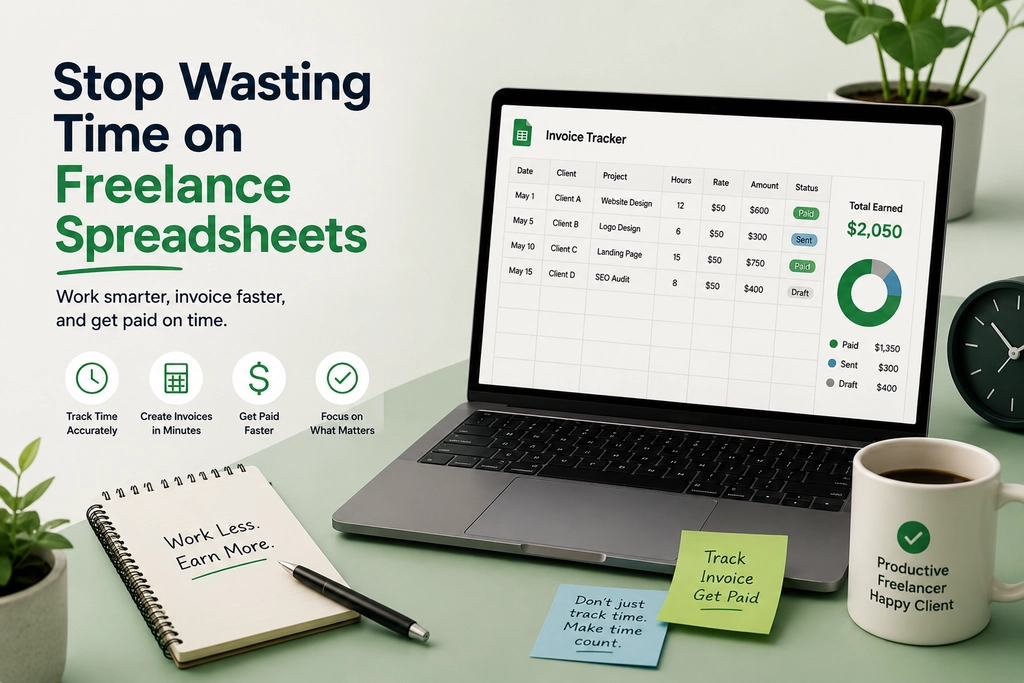
You finished the week exhausted. The invoice looks light. That gap is the freelance time tracking problem in one sentence: untracked freelance hours never become freelance billable time. If you want to protect freelance income, you need a billable hours tracker that sits on real client tasks — not a heroic memory dump every Friday.
This problem-solution guide shows how freelancers lose money on untracked task hours, how to track billable hours accurately as a freelancer, and how to prevent unbilled freelance work with a simple task hour tracker. You will also see when it helps to consolidate freelance tools so hours and unpaid bills stop living in separate apps.
Search intent is informational: people want accurate task time tracking for solopreneurs and a system that makes sure all client work gets billed — without turning the day into surveillance theater.
How to track billable hours for freelancers (direct answer)
To track billable hours without losing money: attach timers to client tasks, start before you work, tag billable vs non billable hours, review the log daily, and use the week’s hours as evidence when you write invoices. A client project hour tracker beats blank timesheets because the work itself triggers the log.
- Create tasks under the right client/project
- Start the timer when you begin — including “quick” messages
- Stop or switch when context changes
- Mark billable / non-billable
- Review yesterday’s entries each morning
- Bill from the reviewed log (manually — on purpose)
The problem: freelance income leakage from untracked hours
Freelance income leakage rarely looks like one missing day. It looks like how small task interruptions destroy freelance billable time:
- A 7-minute Slack reply you never timed
- A scope “tiny tweak” after the milestone was “done”
- Context switching that leaves orphan minutes nowhere
- Friday reconstruction that quietly rounds down
- Hours in a timer app that never meet the payment spreadsheet
Insight: You do not lose money because you are bad at math. You lose it because start/stop discipline is harder than delivery — until the invoice exposes the gap.
If your hours and payments live in different worlds, that split is why separate tools waste time and cash. See why separate task trackers and payment spreadsheets waste your time.
How freelancers lose money on untracked task hours (real math)
How freelancers lose money on untracked task hours is easier to feel with numbers:
- $60/hour × 2 lost hours/week ≈ $480/month
- $90/hour × 4 lost hours/week ≈ $1,440/month
- $120/hour × 3 lost hours/week ≈ $1,440/month
That is hourly rate protection in reverse: your rate is fine; your capture is not. Stop losing billable hours and the same rate suddenly “works.”
Example: A consultant billed 28 hours. Tracked honestly later: 34. Six hours of “quick” calls never hit the billable hours tracker. At $110/hour, that week leaked $660 — one client, one week.
Solution 1: Put the timer on the task (not the calendar day)
Best way to keep track of client hours without losing money starts with structure: track client task hours under the client who will pay.
Steps
- Open or create the client project
- Break work into named tasks (Draft v2, Bugfix, Weekly call)
- Start the simple task hour tracker on that task before you begin
- If interrupted for another client, switch tasks — do not leave a ghost timer running
Accurate task time tracking for solopreneurs fails when the timer is a floating “Work” blob. Named tasks make Friday review possible.
Example: A designer stopped logging “Client work 3h.” They timed “Homepage hero variants” and “Slack revisions.” Invoices gained line clarity — and fewer forgotten revision minutes.
Solution 2: How to calculate and log billable hours for clients
How to calculate and log billable hours for clients is simple if rules are written:
- Billable: delivery, client calls, scoped revisions, research for that client
- Non-billable: marketing, proposals for new leads, unpaid extras you chose to gift, bookkeeping
- Gray zone: decide once in your terms (e.g., first 10 minutes of Slack free, then billable)
Freelance billable vs non billable hours only help if you tag as you go. End-of-week sorting invents fiction. For pricing context when hours feel “expensive” to clients, see hourly vs fixed pricing.
Solution 3: How to stop forgetting billable freelance work
How to stop forgetting billable freelance work is mostly triggers:
- Start timer before opening the client channel
- Never send a scoped deliverable without a running or just-stopped entry
- After each meeting, confirm the entry exists before you close the tab
- Morning: scan yesterday for gaps longer than 30 minutes with no note
How to make sure all client work gets billed: treat the daily review like brushing teeth. Weekly-only review is how unbilled freelance work survives.
Solution 4: Prevent unbilled freelance work with a weekly close
Prevent unbilled freelance work with a Friday close ritual:
- Filter hours by client for the week
- Fix miscategorized billable vs non billable hours
- List hours that should become invoice line items
- Create invoices manually from that list
- Set invoice status to Pending (then Paid/Overdue as money moves)
Notice the deliberate gap: hours inform the invoice; they do not auto-become the invoice. That protects you from billing noise and keeps judgment with you.
For methods beyond freelancing solos, see best time tracking methods for small business.
Solution 5: Consolidate freelance tools so hours stop disappearing
When your timer, task board, and payment sheet disagree, you will stop losing billable hours only after you consolidate freelance tools around one client spine. Why tracking client hours in spreadsheets leads to lost money is the delayed paste — by the time you copy Friday’s export, the “small” gaps are already gone.
A simple system to track task hours and client bills looks like this: tasks under clients, timers on tasks, and manual invoice statuses (Paid, Pending, Overdue) visible without opening Excel.
That is where Aenflow fits as a zero-friction answer to freelance income leakage: a clean, single-screen workspace to log task hours per client so untracked freelance hours are harder to skip — while you manually monitor invoice statuses in the same place. It does not convert timers into invoices with one click or auto-generate bills; it keeps capture accurate and organization simple. Explore time tracking and freelancer workflows if that matches how you work.
Notion can store your billable/non-billable rules. Keep the live client project hour tracker where starting a timer is one click from the task — not a separate database you forget to open.
Billable vs non billable hours: a practical tagging cheat sheet
- Always billable: scoped delivery, approved revisions, client meetings
- Usually billable: research for that client, status reports they requested
- Usually non-billable: your website, proposals, tooling setup, unpaid favors
- Contract-dependent: Slack volume, “one more tweak,” travel
Write the cheat sheet once. Ambiguity is how prevent unbilled freelance work fails under social pressure.
Revisit the sheet after your first month of honest logging. Most freelancers discover a category they kept giving away — usually Slack or “tiny” revisions — that belongs in the billable column under clearer terms.
Best practices for freelance time tracking
- Timer starts before work, not after
- One running timer at a time
- Tasks named specifically enough for invoice lines
- Daily 5-minute log review
- Weekly close before weekend
- Hourly rate time tracking paired with clear scope boundaries
- Protect freelance income by pausing work when Overdue ages past your terms
Common mistakes that create untracked freelance hours
- Reconstructing the week from calendar blocks: calendars lie about focus
- Leaving a timer on during lunch: corrupts trust in the log
- Only timing “deep work”: messages and fixes are where leakage lives
- Spreadsheet-only tracking: delayed entry guarantees loss
- No billable tag: everything becomes fuzzy at invoice time
- Assuming fixed-fee means no tracking: you still need cost truth
Real-world scenarios
Solopreneur developer: Timed every support ping under the client task. Untracked freelance hours dropped; the retainer finally matched reality.
Freelance marketer on mixed retainers: Tagged billable vs non billable hours. Proposal time stopped “eating” client weeks invisibly.
Designer on fixed projects: Still used a billable hours tracker to learn true cost. Next quotes rose — hourly rate protection through evidence, not vibes.
Across these cases the pattern is the same: capture first, invoice second. Freelancers who wait until Friday to remember the week keep funding client urgency with silent discounts.
FAQ
Quick answers on freelance billable time, untracked hours, and how to calculate and log billable hours for clients:
How to track billable hours accurately as a freelancer?
Start a timer on the client task before you work, stop it when you switch, and review entries daily. How to track billable hours accurately as a freelancer fails when you reconstruct Friday from memory.
Why freelancers lose money on untracked hours?
Small task interruptions, Slack “quick checks,” and end-of-week guessing create untracked freelance hours that never reach the invoice. Why freelancers lose money on untracked hours is usually process — not low rates alone.
How much income freelancers lose on unbilled task hours?
At $75/hour, losing just 3 unbilled hours a week is about $900/month. How much income freelancers lose on unbilled task hours compounds quietly until the year looks “busy but broke.”
What is the difference between billable vs non billable hours?
Billable vs non billable hours: billable time is work a client pays for; non-billable is admin, marketing, learning, and unpaid revisions outside scope. Tag both so freelance billable time stays honest.
How to stop forgetting billable freelance work?
Put the timer on the task, not on a blank timesheet. How to stop forgetting billable freelance work is a habit of starting before you type — especially for messages and “five-minute” fixes.
Why tracking client hours in spreadsheets leads to lost money?
Why tracking client hours in spreadsheets leads to lost money: delayed entry, missing task context, and no link to invoice status. Spreadsheets forget what you forget.
Conclusion
How to track billable hours for freelancers without losing money is a capture problem first: timers on client tasks, honest billable tags, daily review, weekly close. Stop losing billable hours and freelance income leakage shrinks even if your rate stays the same.
When hours and unpaid statuses are scattered, consolidate freelance tools so a simple task hour tracker and manual Paid / Pending / Overdue views share one client spine. That is how you protect freelance income without policing yourself into burnout.
If you want task hours per client in one clean workspace — with manual invoice status monitoring beside them — try Aenflow or read more on time tracking and time tracking features.