Your timer is in one tab. Tasks are in another. Payments hide in a spreadsheet named “invoices_FINAL2.” By Friday you have worked hard and still cannot say what is Pending versus Paid without a scavenger hunt. That is freelance tool fatigue — and the reason people search how to consolidate freelance tools.
This problem-solution guide shows why separate task trackers and payment spreadsheets waste your week, how much time freelancers waste on admin work, and how to streamline freelance task tracking and payments with a single freelance workspace. You will get direct answers, step-by-step consolidation methods, real solopreneur scenarios, and a clear path to stop using spreadsheets for freelance day-to-day tracking.
Search intent is informational with a commercial edge: fix the workflow first, then choose a simple home for clients, hours, and manual invoice tracking.
Why separate tools kill freelance productivity (direct answer)
Separate tools kill freelance productivity because they force duplicate entry and status guessing. Hours in App A never equal rows in Spreadsheet B, so you spend freelance admin time reconciling instead of delivering. The fix is not “more integrations” — it is one spine: client → tasks/hours → invoice status.
- Context switching between 4–6 apps per billing cycle
- Copy-paste errors on amounts and dates
- Unpaid bills invisible until cash feels tight
- No single client management for solopreneurs view
The real cost: freelance admin time you never invoice
How much time freelancers waste on admin work is easy to underestimate. A realistic week:
- 15–30 minutes finding last week’s hours across tools
- 20–40 minutes updating a payment spreadsheet
- 15 minutes chasing “Did this invoice get marked paid?”
- 10 minutes rebuilding a client list that already exists elsewhere
That is often an unpaid half-day every week. Consolidate freelance apps to save time by deleting handoffs — not by downloading another tracker.
Insight: Tool sprawl feels productive because each app is “best at one thing.” Your business is not graded on app elegance. It is graded on delivery and cash.
How to consolidate freelance tools (practical framework)
Use this sequence when you consolidate freelance tools without a three-month migration project.
Step 1: Map the minimum loop
- List every tool that holds clients, tasks, hours, or payment status
- Circle the source of truth for each (be honest — email does not count)
- Mark duplicates: two places for the same client name is a red flag
- Write the loop you actually need: organize freelance projects → track hours → update invoice status
If the loop needs five exports, you do not have freelance productivity systems — you have a scavenger hunt.
Step 2: Pick one client spine
Client management for solopreneurs fails when “Client X” is spelled three ways in three apps. Choose one place where the client record lives. Everything else attaches to it: projects, tasks, hours, and manual invoice tracking statuses.
Example: A freelance developer had clients in a CRM, tasks in a board app, hours in a timer, payments in Excel. After picking one spine, he stopped renaming the same company every month. Admin time dropped before he “optimized” anything else.
Step 3: Move freelance task and invoice tracking beside that spine
- Put active projects/tasks under each client
- Track hours on tasks (so effort has a home)
- Create invoices in your usual way, then set status: Pending, Overdue, or Paid
- Retire the payment spreadsheet as a daily tool — export only if your accountant needs CSV
That is how to organize freelance tasks and invoices in one place. Notice what is missing on purpose: auto-building invoices from timers. Billing stays a decision; tracking stays honest.
Step 4: Kill redundant apps on a deadline
- Week 1: new work only in the unified freelance workspace
- Week 2: migrate open projects and open unpaid statuses
- Week 3: read-only archive old tools
- Week 4: cancel or ignore anything not opened
Consolidate freelance apps to save time only if you actually close the old tabs. Parallel systems double freelance admin time.
Solution: Streamline freelance workflow without spreadsheet theater
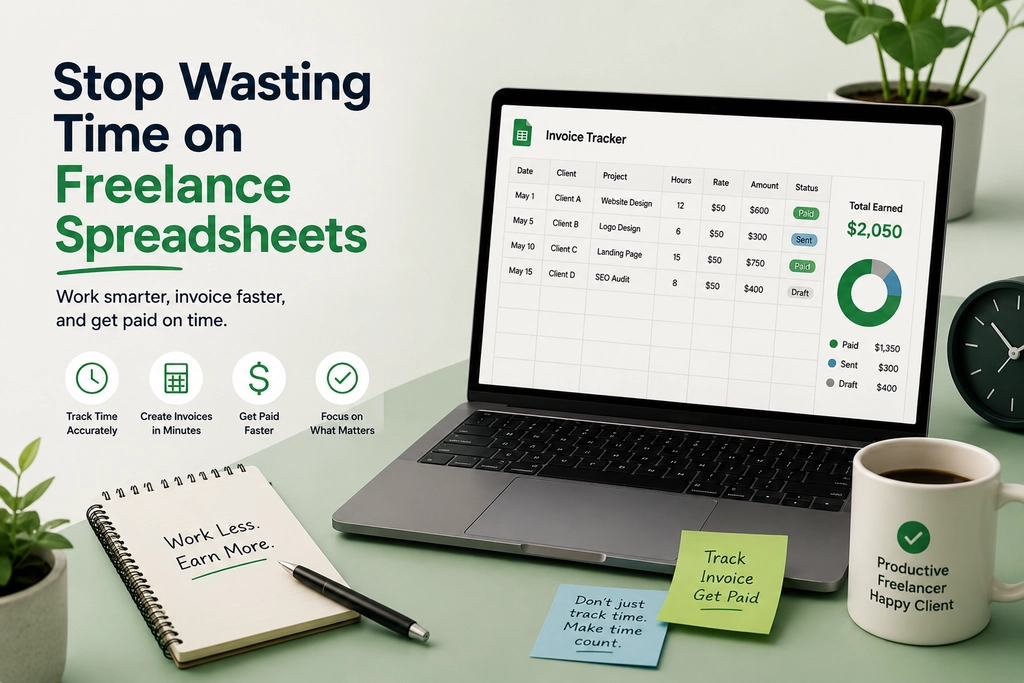
Stop using spreadsheets for freelance operations when they become the place you reconstruct reality. Spreadsheets still help for one-off analysis. They fail as the system of record for manage freelance tasks and payments every day.
Stop using excel to track freelance payments when you need:
- Fast Pending / Overdue / Paid filters
- Hours visible next to the same client
- Fewer “which file is latest?” arguments
- A simple workspace to track hours and unpaid bills in one login
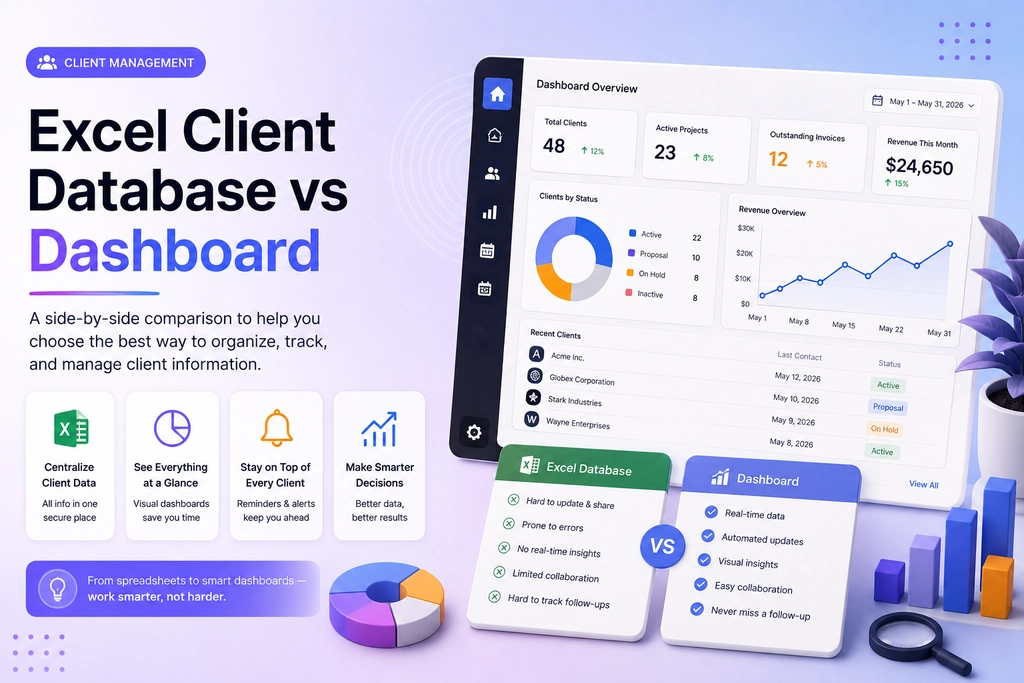
For a deeper Excel-vs-dashboard decision on client records, see Excel client database vs dashboard. For money views once statuses are clean, use freelance cash flow dashboard habits.
Where a unified freelance workspace fits (including Aenflow)
All-in-one freelance management should mean fewer handoffs — not a bloated suite you ignore. When tool fatigue is the pain, you want zero-setup organization: clients, task hours, and manual invoice statuses in one clean dashboard.
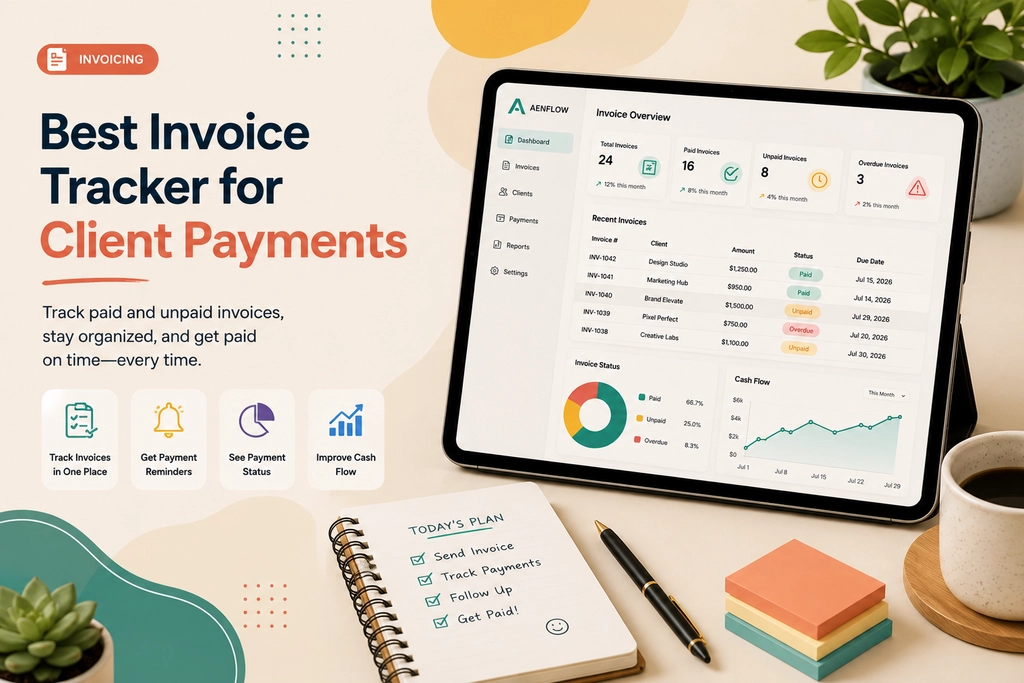
Aenflow is built for that exact gap — a unified freelance workspace where you track hours on tasks and manually keep invoice statuses as Paid, Pending, or Overdue, so you can eliminate messy Excel sheets from the weekly loop. It does not auto-generate invoices from tracked time; you still decide what to bill. That constraint is a feature if you have been burned by “magic” billing tools that invent line items. Pair it with freelancer workflows, project management, and time tracking pages if you want to see how the pieces sit together.
Notion can still hold SOPs, proposal templates, and your consolidation checklist. Keep live freelance task and invoice tracking where status changes are hard to lose.
Comparing note apps to a billing-aware workspace? See Notion alternative for the decision framing — then keep features honest to what you actually need.
How to streamline freelance task tracking and payments (weekly ritual)
- Monday: scan tasks by client — close or schedule leftovers
- Daily: start/stop timers on the task you are actually doing
- Invoice day: create bills from your notes/hours judgment, set status Pending
- Tue/Fri: open Overdue + Pending — chase, then update statuses
- Friday: archive completed projects; confirm Paid matches the bank
Example — solopreneur designer: Before consolidation: Toggl + Trello + Google Sheet. After: one workspace, same Friday cash check. She did not “work faster.” She stopped rebuilding the week every Sunday night.
Best way to manage freelance projects and client statuses
Best way to manage freelance projects and client statuses is boring on purpose:
- One client record per relationship
- Projects with clear active/done states
- Tasks with owners (even if the owner is always you)
- Hours on tasks — not on sticky notes
- Invoice statuses you update manually when money moves
That stack streamlines freelance workflow because every object points at a client. Nothing important lives in a orphan spreadsheet tab.
When unpaid bills are the failure mode, tighten habits with invoice tracker for paid and unpaid invoices and stop late payments.
A 14-day consolidation plan
- Days 1–2: Inventory tools; pick the client spine
- Days 3–5: Move active clients + open projects
- Days 6–8: Start timing only in the new workspace
- Days 9–11: Enter open invoices with Pending/Overdue/Paid
- Days 12–13: Run one full billing week in the new system only
- Day 14: Archive old sheets; keep one export folder for taxes
Miss a day? Resume. How to consolidate freelance tools is a migration, not a personality reboot.
Best practices
- One source of truth per object type (client, task, hour, invoice status)
- No parallel payment spreadsheets “just in case”
- Update invoice status the day funds clear
- Keep Notion for docs; keep the workspace for live ops
- Review tool count quarterly — if you added two apps, remove two
- Protect deep work blocks; batch admin into fixed windows
Common mistakes that keep tool fatigue alive
- Adding an “all-in-one” without killing the sheet: now you have six tools
- Expecting timers to invent invoices: billing must stay intentional
- Migrating archives before active work: delay value for weeks
- Customizing for months before using: streamlining dies in setup
- Sharing five links with a VA: client management for solopreneurs needs one door
- Tracking hours nowhere “because fixed fee”: you still need delivery truth
Real-world scenarios
Writer with retainers: Separate timer + Excel meant Friday reconciliation hell. One freelance workspace made Pending retainers visible beside hours — manage freelance tasks and payments without a second brain.
Consultant + contractor: Shared board for tasks, private sheet for payments. Status fights weekly. Unifying client records and manual invoice tracking ended “I thought you marked it paid.”
Creative studio of three: Tool fatigue looked like Slack archaeology. Organizing freelance projects under clients, with hours and statuses in one dashboard, cut the Monday status meeting in half.
FAQ
Quick answers on consolidate freelance tools, spreadsheets, and freelance admin time:
Why separate tools kill freelance productivity?
Because every handoff — timer to sheet, sheet to invoice status — costs context switches and creates mismatches. Why separate tools kill freelance productivity is less about features and more about reconstruction time.
How to organize freelance tasks and invoices in one place?
Keep clients as the spine, attach tasks and hours under each client, then track invoice status (Paid, Pending, Overdue) beside the same record. That is how to organize freelance tasks and invoices in one place without five logins.
How much time freelancers waste on admin work?
Many solos lose 3–8 hours a week to freelance admin time: copying hours, updating payment sheets, and hunting statuses. Consolidate freelance apps to save time by removing duplicate entry, not by adding another “productivity” app.
Should I stop using Excel to track freelance payments?
Stop using excel to track freelance payments when partial payments, multiple clients, or weekly chasing make the sheet fragile. Excel is fine for exports — poor as your daily unpaid-bills cockpit.
What is the best way to manage freelance projects and client statuses?
Best way to manage freelance projects and client statuses: one client record, clear project/task lists, hours on tasks, and manual invoice statuses you update when money moves. All-in-one freelance management beats tool sprawl.
Can Notion replace a freelance workspace for hours and unpaid bills?
Notion can hold SOPs and light databases. A simple workspace to track hours and unpaid bills usually works better when statuses and timers sit next to clients without building a custom CRM from scratch.
Conclusion
Separate task trackers and payment spreadsheets waste time because they force you to rebuild the same week in three languages. When you consolidate freelance tools around one client spine — tasks, hours, and manual Paid / Pending / Overdue statuses — freelance admin time shrinks and cash visibility rises.
Streamline freelance workflow by deleting handoffs, not by collecting apps. Stop using spreadsheets for freelance daily ops, keep Excel for exports if needed, and run one clean loop you can trust on Friday afternoon.
If you want that unified, zero-setup freelance workspace — track task hours and organize invoice statuses without messy Excel — explore Aenflow or start from freelancer workflows and invoicing guides.