If you are searching how to create a client database, you are usually solving two different jobs at once: store customer details cleanly, and see what needs action today. An Excel sheet is excellent at the first job. A simple dashboard is built for the second. Freelancers get stuck when they force one tool to pretend it is both forever.
This comparison walks through an Excel client database versus a simple client dashboard — definitions, a side-by-side table, pros and cons, how to build a customer database in Excel step by step, and a clear “Which One Should You Choose?” framework. The intent is commercial investigation: help you pick the lightest system that still protects relationships and cash flow.
You will also see customer database template fields, database in Excel examples, and when creating a CRM in Excel stops being clever and starts being expensive admin.
What is a client database vs a simple dashboard? (Direct answers)
Client database / customer database: a structured list of clients with fields you can sort and filter — the customer details database behind your freelancing practice.
Simple dashboard: a focused view that answers “what matters now?” — overdue invoices, follow-ups due, active projects — usually pulling from client records rather than replacing them.
Insight: Spreadsheets fail less because Excel is bad, and more because people use a database worksheet as their only daily cockpit.
How to create a client database (and where Excel fits)
Before choosing tools, know the minimum viable clients database. Whether you create database excel style or use software, every customer database example worth keeping includes:
- Client / company name
- Primary contact + email + phone
- Status (lead, active, paused, churned)
- Source (referral, Upwork, LinkedIn)
- Last contact date and next follow-up
- Notes / preferences
- Links to contracts, invoices, or project folders
That structure is your customer database template. Excel is one place to host it. A dashboard is how you act on it without scrolling 200 rows every morning.
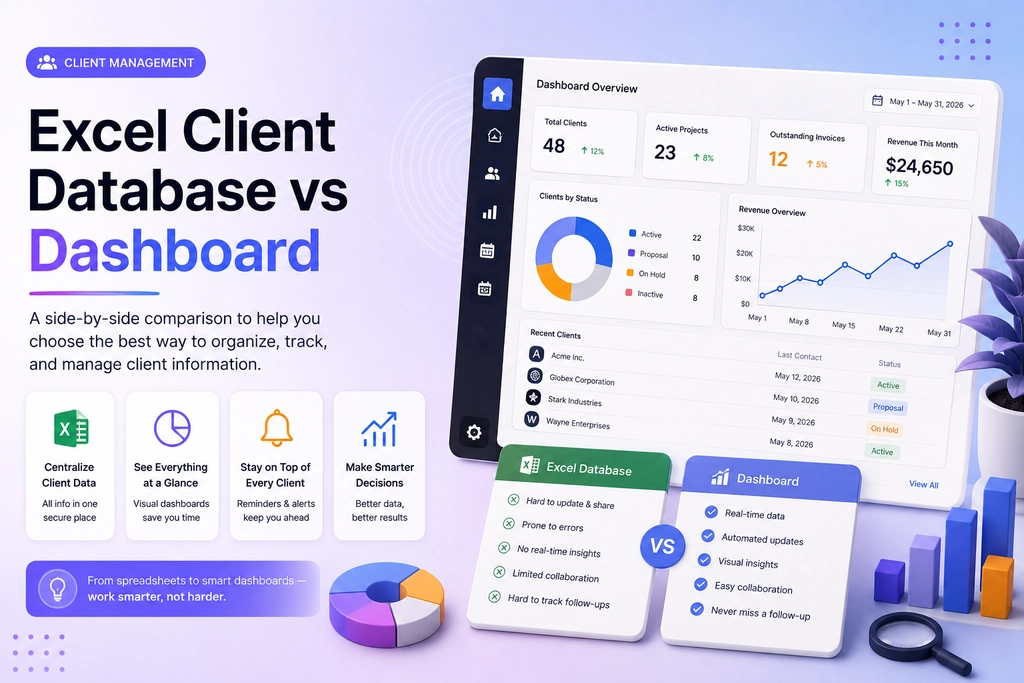
Excel client database vs simple dashboard comparison table
| Factor | Excel client database | Simple client dashboard |
|---|---|---|
| Primary job | Store and filter customer details | Surface priorities and next actions |
| Best for | Building a database in Excel, early-stage freelancers, exports | Daily ops across clients, projects, and payments |
| Setup speed | Fast — blank sheet to usable table in under an hour | Fast if the product already models clients |
| Search & filters | Strong with Excel Tables, Filters, XLOOKUP | Strong when views are built around status/due dates |
| Collaboration | File versions and “who has the latest sheet?” risk | Shared live state for remote teams |
| Invoices & time | Usually separate sheets or tools | Can sit next to the same client record |
| Breaks when | Partial payments, many projects, multiple editors | You only needed a static contact list |
| Learning curve | Low if you already know Microsoft Excel database habits | Low for simple products; higher for heavy CRMs |
Option A: Excel client database (CRM-in-a-sheet)
Using Excel as database is popular because it is free-ish, familiar, and flexible. Customer relationship management excel setups can work — if you treat the sheet like a real database worksheet, not a messy notepad.
How to create a database in Excel for clients (step by step)
- Open a blank workbook and name the first sheet Clients
- Add one header row with fixed field names (no merged header cells)
- Enter one client per row — never one client across multiple partial rows
- Select the range → Format as Table (this is how to use excel like a database)
- Turn on Filters; freeze the top row
- Add data validation for Status (lead / active / paused / churned)
- Optional: a second sheet for FollowUps that references client names
That is how can i create a database in excel without pretending you built Salesforce. It is also how to create a searchable database in excel: Tables + Filters beat “Ctrl+F chaos.”
Customer excel database template fields (practical set)
- ClientID (simple number or code)
- ClientName, ContactName, Email, Phone
- Status, Priority, Source
- LastContact, NextFollowUp
- Retainer (Y/N), MonthlyValue
- PaymentRisk (on-time / slow / prepaid-only)
- Notes
This excel customer database template (or customer data excel template) is enough for most solos. Need a database sample excel for practice? Duplicate the headers and add five fictional rows — that database in excel example teaches structure faster than a blank grid.
How to create a CRM in Excel (without overbuilding)
Creating a crm in excel usually means: Clients table + Activities log + maybe a Pipeline sheet. How to make crm in excel that stays usable:
- Keep client identity in one place (no copy-pasted emails across five tabs)
- Log every touch once in Activities with date + type + next step
- Use PivotTables sparingly for counts by status — not as your daily UI
- Avoid macros until the sheet is boringly consistent
Example: A freelance designer built excel sheet database tabs for Clients and Invoices. It worked at 12 clients. At 35 clients and partial payments, “Paid?” formulas drifted. The sheet was still a fine archive — a poor daily dashboard.
Excel database: pros
- Fast path for how to build a customer database from zero
- Full control of columns and exports
- Works offline; easy to hand an accountant a CSV
- Great for learning how to use database in excel concepts (tables, keys, filters)
Excel database: cons
- Weak multiplayer editing and version control
- Invoices, time, and tasks usually live elsewhere
- Easy to break relationships between sheets
- “Dashboard” tabs become fragile formula museums
Option B: Simple client dashboard (action-first view)
A simple dashboard assumes the database for clients already exists — then answers operational questions: Who is overdue? Who needs a follow-up? Which projects are stuck? Freelancers feel the difference the first Monday they stop hunting rows.
- Today / This week follow-ups
- Overdue invoices and aging
- Active projects by client
- At-risk clients (no contact in X days)
Example — remote consultant: Their Microsoft Excel database held perfect contact history. They still missed renewals. A dashboard that listed “retainers renewing in 14 days” fixed the attention problem the spreadsheet never solved.
For client work, dashboards get stronger when clients connect to projects, time, and invoices. That is where Aenflow client management fits for many freelancers — one client record feeding the views you check daily. See also freelancer workflows and Notion alternative if you are comparing note apps to billing-aware workspaces.
Simple dashboard: pros
- Built for decisions, not just storage
- Better shared truth for small teams and agencies
- Can attach payment and project context to each client
- Less “which file is latest?” drama
Simple dashboard: cons
- Overkill if you only need a static contact list
- Requires choosing a tool and migrating rows once
- Custom columns may be less free-form than Excel
Which One Should You Choose?
Use this decision framework — not vibes:
- Choose an Excel client database if: you have a small list, you mainly need contacts + notes, you are comfortable with filters, and invoices live in a simple separate process.
- Choose a simple dashboard if: you juggle many active clients, you need to track follow-ups and overdue payments weekly, or more than one person touches client work.
- Use Excel as a bridge if: you are learning how do you create a database in excel / how do i make a database in excel — then migrate clean rows into a dashboard once the columns stabilize.
Pattern interrupt: The question is not “Is Excel a real CRM?” It is “Does my Monday morning require hunting, or deciding?” Hunting → improve the database. Deciding → you need a dashboard.
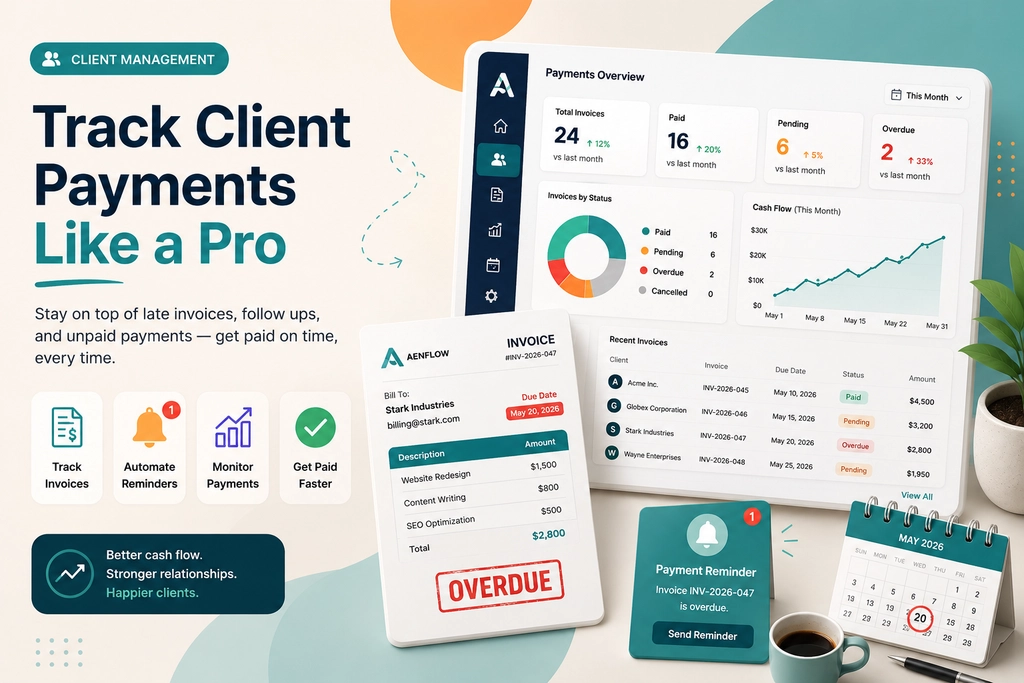
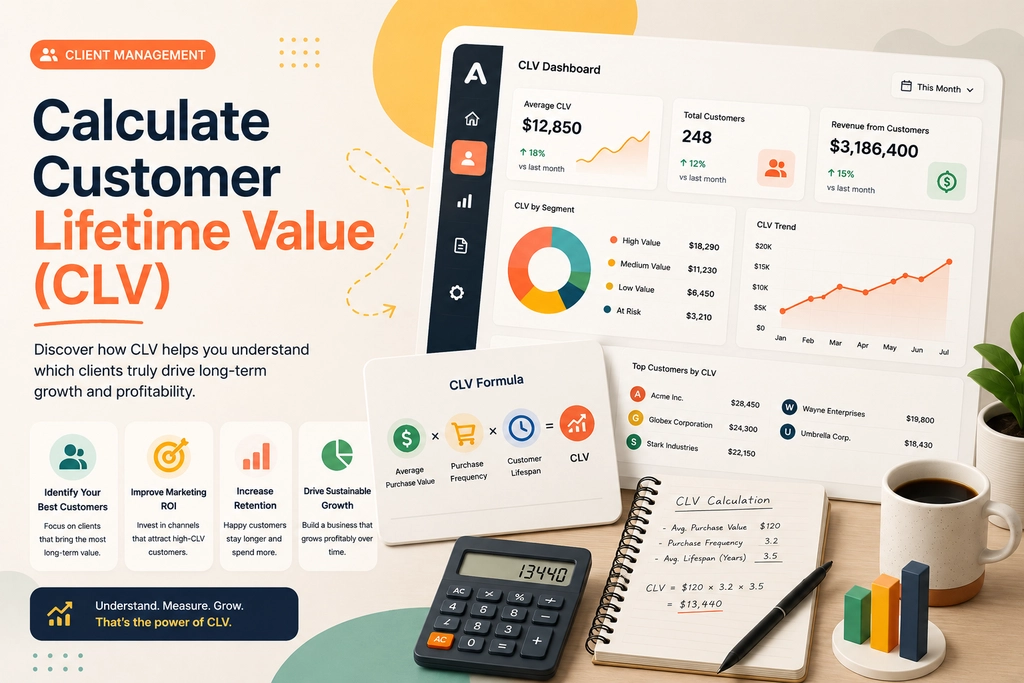
If payment status is part of “what needs attention,” pair your client system with habits from track client payment history. If you rank clients by value, connect records to customer lifetime value.
Hybrid approach many freelancers actually use
- Create a database from excel exports when leaving marketplaces or old CRMs
- Clean columns once (dedupe emails, standardize status values)
- Import into a client workspace for daily dashboard views
- Keep Excel for occasional analysis, forecasts, or accountant packages
That hybrid respects excel database examples and database templates without forcing every operational click through a grid. Notion can hold SOPs for how you update client fields; it does not have to be the system of record for billing.
Best practices (Excel or dashboard)
- One row (or record) per client — always
- Controlled vocabularies for status fields
- Next follow-up date on every active client
- Separate “archive” from “active” so filters stay fast
- Review the dashboard (or filtered Excel view) on a fixed cadence
- Store payment risk notes where you will see them before quoting
Common mistakes when creating a database in Excel
- Merged cells in the data range: breaks how to use database in excel features
- Multiple spellings of the same status: Active / active / ACTIVE = broken filters
- Putting invoices only in email: the customer details database lies about health
- Building ten dashboard tabs of charts: vanity without next actions
- Sharing one file via chat forever: silent overwrite wars
- Never migrating when pain shows: excel customer relationship management has a ceiling
Real-world scenarios
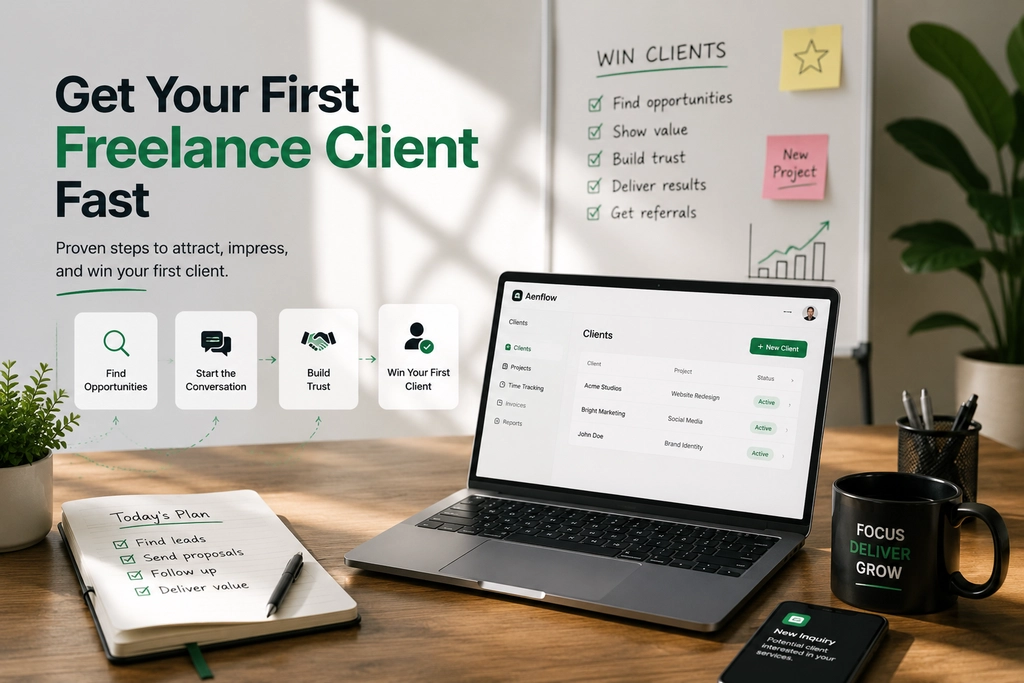
Brand-new freelancer: Needs how to create a client database this weekend. Excel Table + five columns + filter by NextFollowUp is enough. Spend energy on outreach, not CRM shopping — see how to get your first client.
Growing solo with 25 retainers: Excel still stores history, but a simple dashboard for renewals and overdue invoices prevents revenue leaks.
Small agency: Three people editing one excel sheet database is a incident report waiting to happen. Shared client records + dashboard views win.
FAQ
Quick answers on how to create a client database, Excel CRM setups, and dashboards:
How to create a client database in Excel?
Create one worksheet with one row per client and consistent column headers (name, email, status, last contact, notes). Format it as an Excel Table, freeze the header row, and use filters for a searchable database in Excel.
Is Excel good enough for customer relationship management?
Excel customer relationship management works for a small client list if you are disciplined. It weakens when you need invoices, tasks, and payment status tied to each client without duplicate sheets.
What is the difference between a clients database and a dashboard?
A clients database stores customer details. A simple dashboard surfaces priorities — who to follow up, who is overdue, which deals are active. One is storage; the other is attention.
How do you create a database in Excel that is searchable?
Use Excel Tables + Filters (and optionally FILTER or XLOOKUP). Keep one header row, no merged cells in the data range, and consistent values in status columns so filters behave.
Should freelancers create a CRM in Excel or use a dashboard tool?
Start with an Excel customer database template if you have under ~20 active clients and simple needs. Move to a client dashboard workspace when tracking payments, projects, and follow-ups across many accounts becomes painful.
Can I use Notion instead of a Microsoft Excel database?
Yes for notes and light CRM views. Notion is flexible, but freelancers who bill from tracked work usually outgrow note databases faster than they expect — especially once invoices and time matter.
Conclusion
How to create a client database is the foundation; choosing Excel versus a simple dashboard is about how you work every week. Excel shines for structured customer database templates, filters, and exports. Dashboards shine when freelancers need priorities, payments, and follow-ups in one glance.
Start as light as you can. Graduate when hunting rows costs more than migrating. The best system is the one that keeps clients visible — and paid — without becoming a second job.
If you want client records that power a real daily view — not only a grid — try Aenflow free or explore client management and more client management guides.