You know the feeling: a client asks for a receipt, you dig through email, and you still cannot say whether the invoice paid or not. That is not a memory problem. It is a missing invoice tracker — a single place to see paid invoices, unpaid balances, and what to chase next.
This problem-solution guide shows how to keep track of invoices and payments without messy spreadsheets, how to track invoices with clear statuses, and how to run an invoice payment process that freelancers and small agencies can maintain. You will get definitions, step-by-step fixes, real scenarios, and a practical view of invoice and payment tracking that protects cash flow.
Search intent is informational with a commercial edge: people want the best way to keep track of invoices, then invoice tracking software only when the system proves it needs a home.
What is an invoice tracker? (Direct answer)
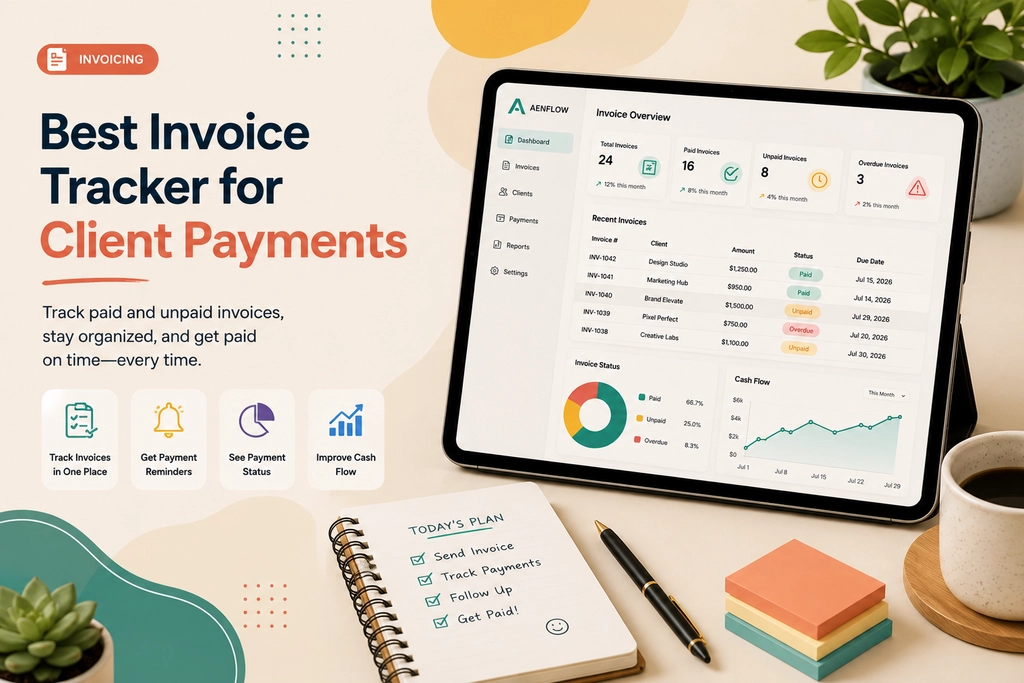
An invoice tracker (also called an invoices tracker, invoicing tracker, or invoice payment tracker) is a system that lists every invoice with status, due date, balance, and payment history so you can separate paid invoices from unpaid ones in seconds. Good invoice tracking is accounts receivable visibility — not a folder of PDFs.
Invoice payment meaning in practice: money received and applied to a specific invoice number until the balance hits zero. That is the invoice payment definition teams actually need when reconciling.
The problem: paid vs unpaid chaos
Keeping track of invoices fails in predictable ways:
- Statuses live in email (“thanks, paid!”) with no proof in the tracker
- Partial invoice payments marked fully paid by accident
- No unique invoice tracking number, so wires cannot be matched
- Track billing happens only when cash feels tight
- Excel tabs for “2024,” “2025,” and “FINAL_v3” — none trusted
Insight: Spreadsheets do not fail because Excel is evil. They fail because invoice and payment are two moving parts, and color cells cannot own both under pressure. For deeper payment-history habits, see how to track client payment history.
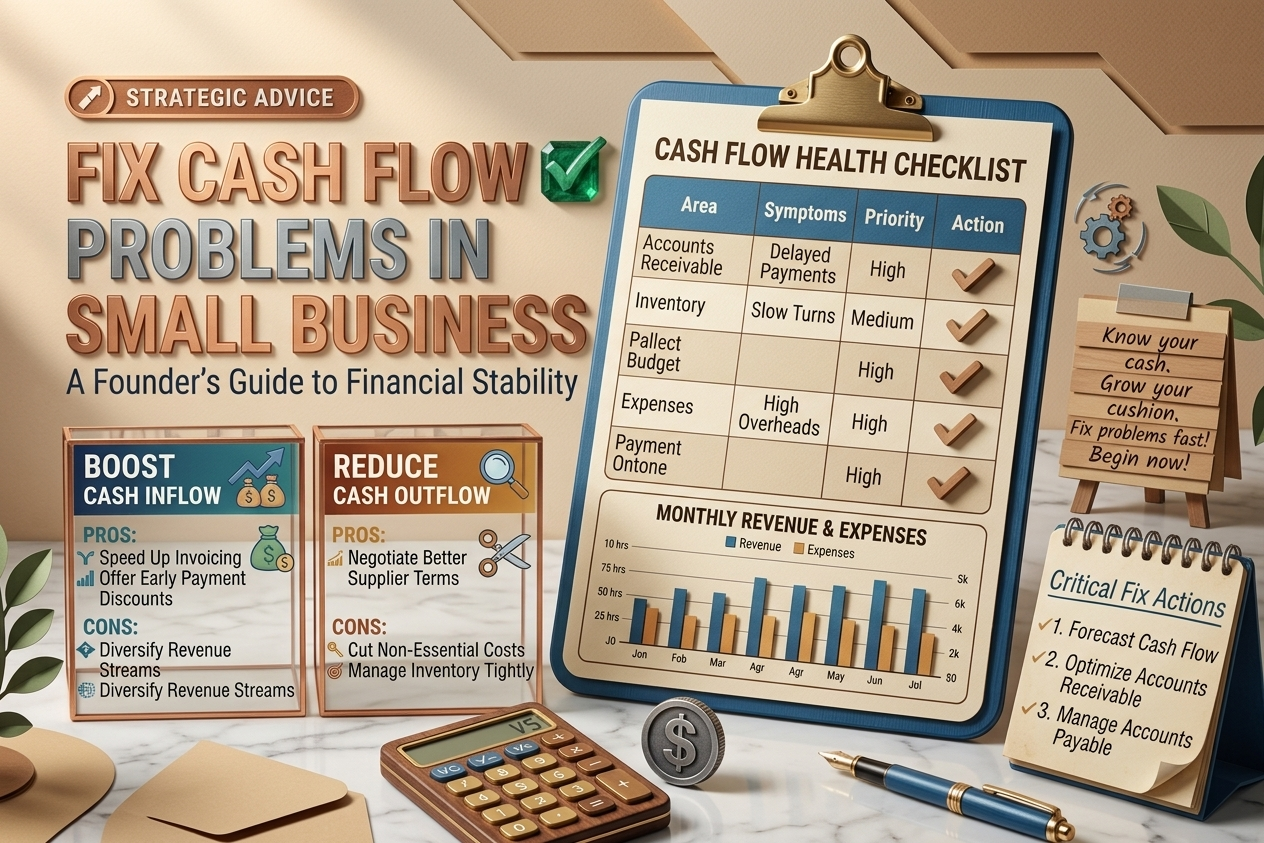
Unclear unpaid balances are a direct path to cash flow problems — even when “sales look fine.”
What is an invoice payment process? (Invoice to payment)
The invoice to payment process is the path from work done to cash cleared:
- Confirm deliverable / period is billable
- Create invoice with unique number and due date
- Send invoice (and online invoice payment link if you use one)
- Log invoice payment when funds arrive
- Update status: partial or paid
- Reconcile against bank/processor; archive
That invoice payment procedure is your invoicing and payment spine. An invoice tracking system exists to make each step visible — especially unpaid and overdue states.
Solution 1: Build a minimum viable invoice tracker
Whether you start in a sheet or software, every invoice track record needs:
- Invoice number (unique)
- Client name
- Issue date and due date
- Amount due, amount paid, balance
- Status: draft / sent / partial / paid / overdue / void
- Payment method + payment date(s)
- Link to project or time entries if relevant
This is how to keep track of invoices at the field level. Fancy charts can wait. Status and balance cannot.
Example: A freelance developer replaced three “invoice” folders with one list filtered by Unpaid. In twenty minutes they found two “probably paid” invoices that were still open — $3,100 sitting idle.
Solution 2: How to track invoices and payments weekly
Systems die without a cadence. Use this for tracking invoices and payments:
- Daily: Log any invoice payment the day it clears; never “I’ll enter it Friday”
- Twice weekly: Open unpaid + overdue filters; send reminders
- Weekly: Reconcile tracker totals with bank/Stripe; fix mismatches
- Monthly: Review slow payers; tighten deposits or terms
This is how to track payments and how to keep track of payments received without living in your banking app. Short rituals beat heroic end-of-month archaeology.
Example — remote agency: Ops runs a 15-minute “AR standup” Tuesday and Friday: unpaid list, owners, next chase date. Overdue dropped because follow-ups had a schedule, not a mood.
Solution 3: Separate paid invoices from unpaid with aging
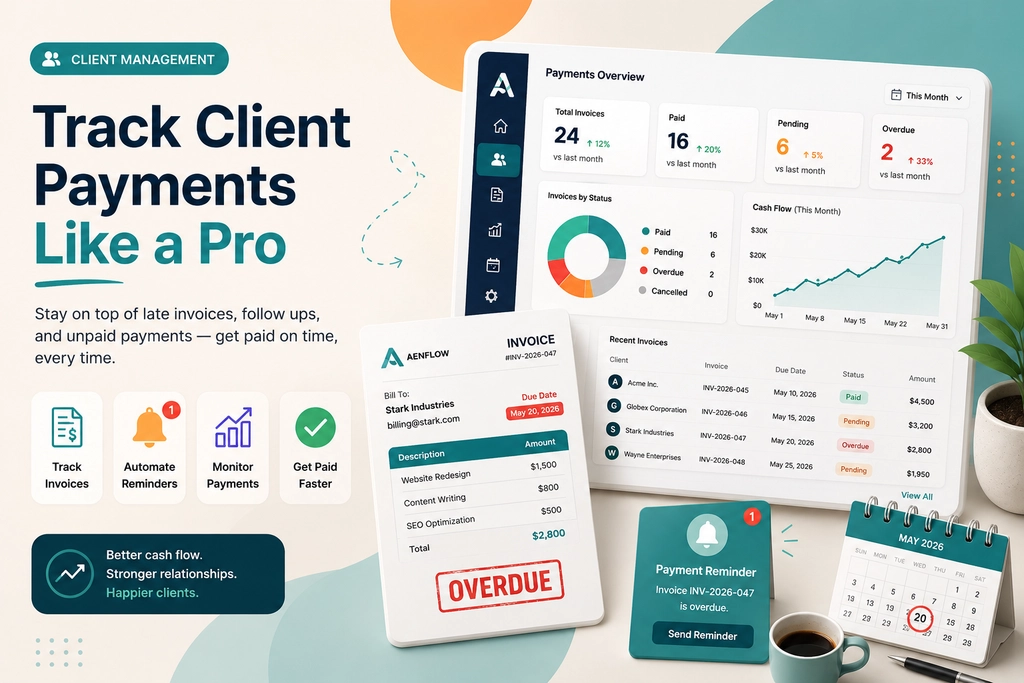
Tracking accounts receivable gets useful when you bucket by age — the best tools for tracking overdue payments all do some version of this:
- Not due yet
- Due in 0–3 days
- 1–7 days overdue
- 8–30 days overdue
- 30+ days overdue
Filter your invoice tracker by these buckets. Do not sort by “who emailed last.” Chat noise hides aging. Pair aging with the reminder habits in your payment history workflow so invoice payments do not stall politely forever.
Solution 4: Invoice number tracking that survives wire transfers
How to keep track of customer payments fails when deposits arrive as “INV” with no number. Fix invoice number tracking:
- Use a sequential invoice tracking number (e.g., 2026-0147)
- Put the number in the email subject and PDF filename
- Ask clients to include it in transfer references
- Match every deposit to a number before marking paid
Unmatched deposits stay “unapplied” until identified. That discipline is how to track invoices when multiple clients pay the same week.
Solution 5: When track invoices and payments excel is enough — and when it is not
A starter sheet can teach tracking invoices. It breaks when you have partial payments, multiple editors, or need invoice tracking tools with audit logs. Signs you outgrew Excel:
- Two people argue about whether an invoice paid
- Partial balances require mental math
- You rebuild month tabs instead of filtering one list
- Time-to-invoice is slow because hours live elsewhere
Notion can store your invoice payment procedure SOP. It is rarely the best live ledger for invoice and payment tracking. Dedicated invoice management software keeps status next to the client and project that created the bill.
If you bill from tracked work, connect hours first — see best time tracking methods and time tracking. Then use invoice management so the invoice tracker sits on real delivery, not reconstructed guesses. Freelancer and agency workflows in Aenflow are built around that loop.
Solution 6: Online invoice payment without losing the paper trail
Online invoice payment links speed collection — but only if the invoice payment system still updates status. Rules:
- One payment link per invoice number
- Auto or same-day status update when the processor confirms
- Still reconcile weekly — processors and ledgers drift
- Keep human follow-up for clients who ignore links
Pattern interrupt: A pretty payment button does not replace an unpaid filter. If nobody reviews unpaid invoices, online checkout just fails quietly.
Solution 7: A 45-minute cleanup if your tracker is already messy
- Export or list every invoice from the last 90 days
- Assign a unique number if missing
- Set status honestly: paid, partial, unpaid, overdue
- Match bank deposits to invoice numbers
- Send reminders for everything overdue
- Put twice-weekly unpaid reviews on the calendar
After cleanup, maintenance is the job: log payments, review aging, chase on cadence. That is the whole invoice tracking system in practice.
How freelancers and agencies use an invoice tracker day to day
A tracker only works if it matches how you sell. Productized freelancers may send many small invoices; agencies may send fewer, larger ones with milestones. Both still need the same unpaid filter — the volume and reminder tone change, not the fields.
If your team shares invoicing, assign an owner for the unpaid list each week. Shared ownership without a name becomes nobody’s job. That small operating rule is often the difference between an invoice tracking system that works and one that looks tidy while money sits idle.
Best practices for invoice tracking
- One source of truth for invoice status
- Never mark invoice paid without matched funds
- Record partial invoice payments with remaining balance
- Review unpaid twice weekly — calendar it
- Reconcile tracker vs bank weekly
- Put due dates and payment links on every send
- Pause new work when contracts allow and balances age past your limit
Common mistakes with invoice payment trackers
- Trusting “I sent it” as paid: wait for cleared funds
- No invoice numbers: invoice to payment process becomes archaeology
- Only chasing when cash is low: late payers love silence
- Separate tools for time, clients, and invoices: reconstruction errors
- Voiding confusion: mark void clearly so paid invoices reports stay clean
- Ignoring audit trails: teams need to know who marked what
Real-world scenarios
Solo consultant: Monthly retainers + one invoice tracker filtered to Unpaid. Tuesday reminder batch. How to keep track of invoices became a 12-minute habit, not a weekend project.
Creative studio: Partial milestone invoice payments used to vanish in Slack. An invoice payment tracker with balances made the next milestone invoice accurate.
Productized freelance offer: Online invoice payment for fixed packages; weekly reconcile still catches failed cards and “paid” screenshots that never cleared.
FAQ
Quick answers on invoice tracker setups, paid vs unpaid status, and how to track invoices and payments:
What is an invoice payment?
An invoice payment (payment of an invoice) is money received that settles all or part of a specific invoice. The invoice payment definition is simple: funds matched to an invoice number, date, and amount — not a vague bank deposit with no reference.
What is the best way to keep track of invoices?
Use one invoice tracking system where every invoice has a unique number, due date, balance, and status (draft, sent, partial, paid, overdue). That beats track invoices and payments excel setups once you have more than a handful of clients.
How to keep track of invoices and payments without spreadsheets?
Put invoicing and payment in the same workspace as the client. Log payments against the invoice the day they arrive, review unpaid and overdue lists twice a week, and reconcile weekly with your bank or processor.
How do I track invoices and payments for partial payments?
Record amount paid, payment date, and remaining balance on the same invoice record. Never mark invoice paid until the balance is zero. Partial states are where messy sheets usually lie.
What should invoice number tracking include?
A unique invoice tracking number per document, client name, issue date, due date, line items or project link, status, and payment history. Invoice number tracking is how you match wires and disputes later.
Which invoice tracking tools with audit logs should freelancers consider?
Prefer invoice management software that records who changed status and when. Audit logs matter when teammates mark invoices paid by mistake or clients claim they already paid.
Conclusion
A reliable invoice tracker turns paid and unpaid client invoices into a list you can act on — not a mystery in your inbox. Define statuses, protect invoice numbers, log every invoice payment, and review aging twice a week.
Do that, and how to keep track of invoices and payments stops being spreadsheet theater. It becomes a calm invoice payment system that protects your week and your cash.
When you want invoices tied to clients and tracked work, try Aenflow free or explore invoice management and invoicing guides.