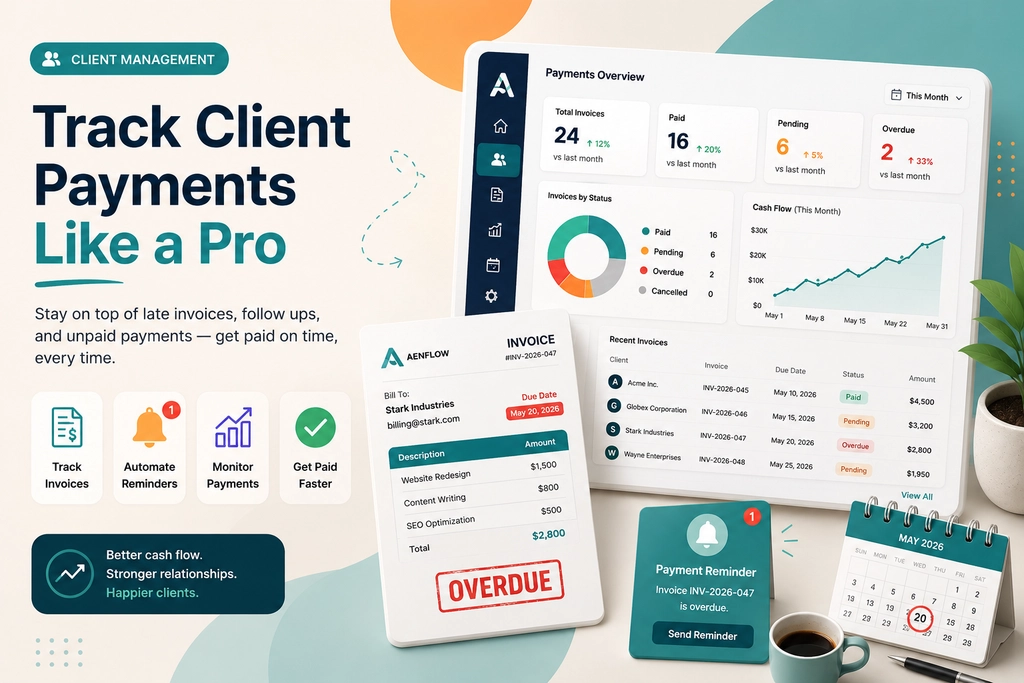
You sent the invoice. The work is done. Then… silence. Most freelancers do not fail at delivery — they fail at payment tracking. Without a clear way to track payments, late payers hide inside email threads until rent week arrives.
This problem-solution guide shows how to track client payment history, spot patterns early, and build a client payment tracking system you will actually maintain. You will get direct answers, step-by-step fixes, a practical payment log template structure, and freelancer tips for how to organize client payments without living in your banking app.
Search intent is informational with a commercial edge: people want how to track invoice payments and how to get payments from clients — systems first, tools second.
How to track payments and catch late payers early (direct answer)
To track payments like a pro: give every invoice a status and due date, log every payment the day it arrives, review an aging list twice a week, and follow up on overdue client payments on a fixed cadence. That is the best way to keep track of invoices — not “remembering who owes you.”
- Create one invoice record per deliverable or period
- Record payments against that invoice (never only in chat)
- Sort by due date and days overdue
- Flag repeat late payers in the client record
- Pause new work when terms are broken
The real problem: invisible receivables
Keeping track of invoices fails when “paid?” lives in your head. Common failure modes:
- Invoices in email, payments in Stripe, notes in Notion — no single payment history tracking view
- Partial payments with no remaining balance recorded
- Cash or wire transfers never entered into the payment tracker
- No aging view, so “a bit late” becomes 45 days late
- Follow-ups happen only when cash gets scary
Insight: Late payers are often predictable. If you cannot identify late payments in under two minutes, you do not have accounts receivable tracking — you have hope.
Untracked receivables are a top driver of cash flow problems in small business. Fix the log before you blame “slow clients” as a personality type.
Solution 1: Build a client payment tracking system (minimum fields)
Whether you use a spreadsheet or software, your invoice payment tracker needs the same business payment data:
- Client name
- Invoice number
- Issue date and due date
- Amount due and amount paid
- Payment date and method (card, transfer, cash, PayPal)
- Status: draft / sent / partial / paid / overdue / written off
- Next follow-up date and owner
Payment log template (copy this structure)
A simple payment log template row looks like this mentally: Client → Invoice # → Due → Balance → Last payment → Status → Next chase. That is enough for how to keep track of payments received across ten or fifty clients.
Example: A two-person studio moved from “search Gmail for invoice” to one tracker. Within a week they found $6,400 sitting at 12–28 days late — money they thought was “probably paid.”
Solution 2: How to track invoice payments week by week
Systems die without a ritual. Use this cadence for payment tracking:
- Daily (2 minutes): Log any payment that arrived today against the right invoice
- Twice weekly (15 minutes): Open overdue + due-in-3-days lists; send reminders
- Weekly (20 minutes): Reconcile tracker totals with bank/Stripe export
- Monthly: Review repeat late payers and update terms or deposits
This is how to organize client payments without becoming a full-time collections department. Short, boring, consistent.
Example — remote freelancer: Every Tuesday and Friday at 9:00, they filter “overdue,” send two reminder templates, and update next follow-up dates. Chasing stopped eating random afternoons.
Solution 3: Identify late payments with aging buckets
Accounts receivable tracking gets useful when you group invoices by age:
- Due in 0–3 days: friendly nudge / confirm receipt
- 1–7 days overdue: reminder + payment link
- 8–30 days overdue: firmer note + call/DM if appropriate
- 30+ days overdue: final notice; pause work; consider collections policy
To track overdue client payments early, sort by days late — not by who emailed last. Chat noise hides aging.
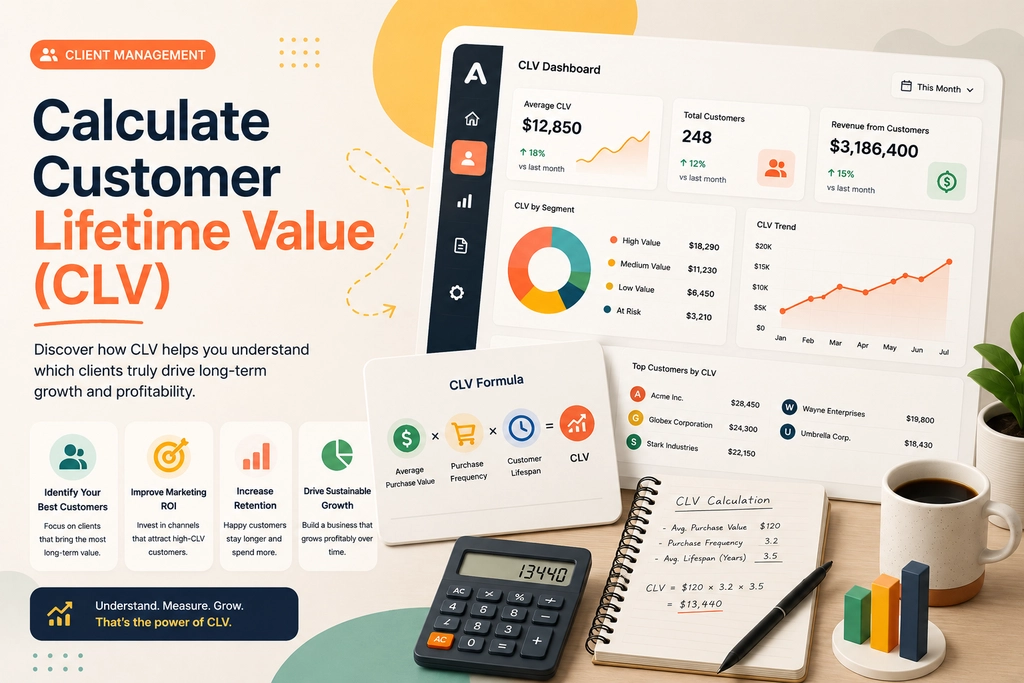
Pattern interrupt: If a client is profitable on paper but chronically 20+ days late, their effective value drops. Pair this view with customer lifetime value before you keep expanding their scope.
Solution 4: How to track cash payments (and other easy-to-lose methods)
Card processors create receipts automatically. Cash, checks, and bank transfers do not. How to track cash payments:
- Never accept cash without an invoice or receipt number
- Enter the payment in your tracker the same day
- Note method = cash, amount, who received it, and remaining balance
- Photograph or scan handwritten receipts into the client folder if needed
Same rules for wires: match the reference to the invoice number in the payment tracker. Unmatched deposits are how payment history tracking rots.
Solution 5: How to get payments from clients without awkward chaos
Tracking reveals the problem. Collection closes it. Practical freelancer tips:
- Put due dates and payment links on every invoice
- Require deposits for new or risky clients
- Send reminders on a schedule — not when you feel brave
- Offer one clear payment method path (fewer options, faster pays)
- Pause delivery when contracts allow and balances age past your limit
Reminder ladder (copy and adapt)
- Day 0: invoice sent with due date
- 3 days before due: polite “coming up” note
- 1 day after due: “checking you received invoice #…”
- 7 days late: firmer reminder + link
- 14–21 days late: call/DM + written final timeline
How to get payments from clients is mostly cadence plus clarity. Soft, random chasing trains clients to wait.
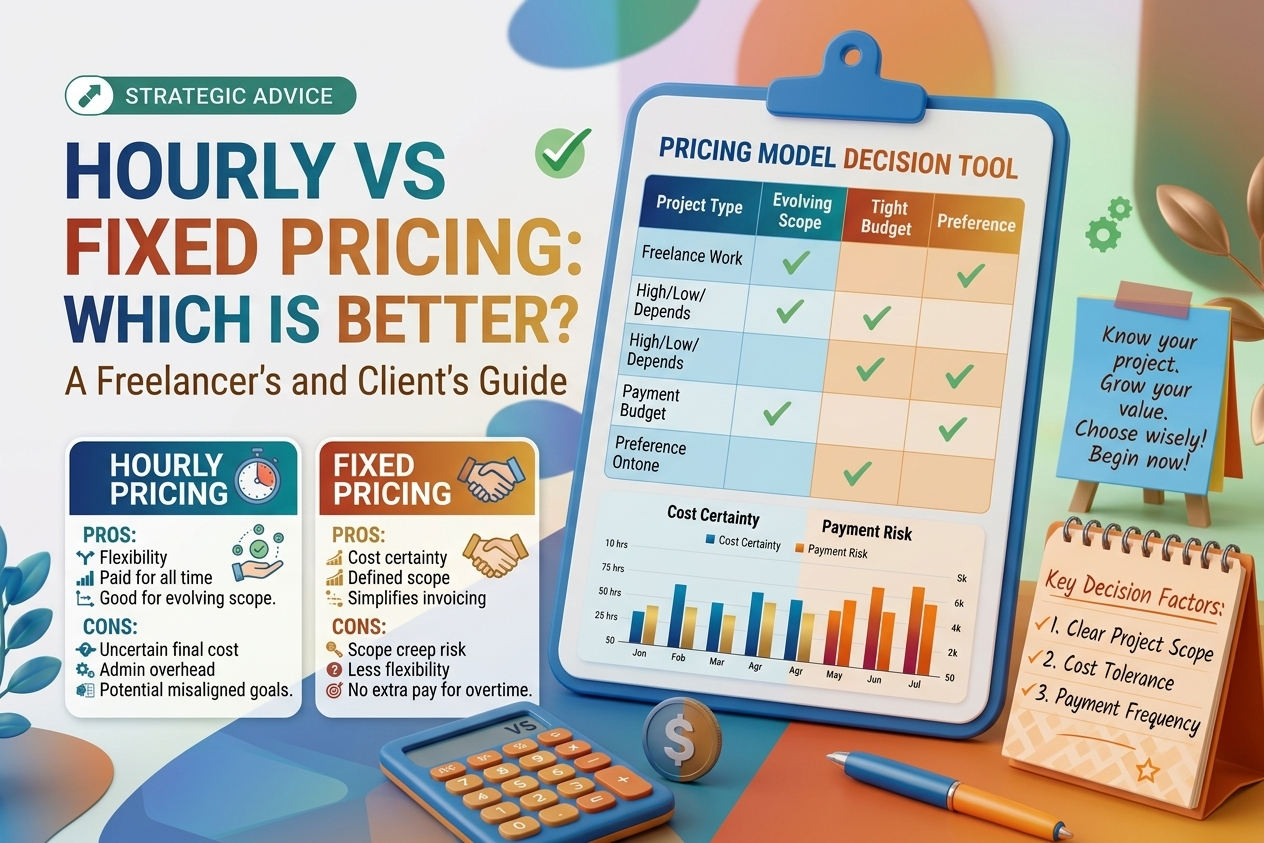
Pricing and deposits also matter — weak terms create chronic lateness. See hourly vs fixed pricing when scope fights delay invoices.
Solution 6: Move from spreadsheet survival to a connected workspace
Spreadsheets are fine for learning how to track invoice payments. They break when you have multiple clients, partial payments, and team members asking “is this paid?”
A stronger setup: client record → invoice → payment status in one place. Notion can hold your SOP for chasing; it is rarely ideal as the live invoice tracking ledger. Tools like Aenflow invoice management help when invoices should sit next to the client and project that created them — explore freelancer and agency workflows if that matches your shop. Pair with client management so late-payer notes stay on the account, not in someone’s head.
Solution 7: Flag repeat late payers on the client record
Invoice tracking tells you what is late. Client notes tell you who is becoming a pattern. After two late cycles, add a visible flag: average days to pay, preferred excuse, and your rule for the next project (higher deposit, shorter net terms, or prepaid milestones).
- Count how often the client crossed due date in the last six invoices
- Write the average days late in the client record
- Decide the next-project rule before you quote again
- Share the rule with anyone on your team who sends invoices
Example — small agency: One “priority” brand averaged 22 days late. They still wanted rush work. The studio switched them to 50% upfront and net-7 on the balance. Payment tracking did not change the client’s personality — it changed the studio’s exposure.
This is how payment history tracking becomes client management, not just bookkeeping. You stop rediscovering the same late payer every month as if it were a surprise.
A 30-minute setup plan (do this once, then maintain)
If your current system is chaos, do not rebuild for a week. Run this once:
- List every unpaid or unclear invoice from the last 90 days
- Create tracker rows with due dates and balances
- Mark anything with no proof of payment as unpaid until reconciled
- Send reminders for everything already overdue
- Put Tuesday/Friday aging reviews on your calendar
- Write your reminder ladder in Notion so you stop improvising tone under stress
After setup, the job is maintenance: log payments, review aging, follow the ladder. That is the whole client payment tracking system in practice.
Best practices for tracking payments
- One source of truth for invoice status
- Same-day logging for every payment received
- Aging review twice weekly — calendar it
- Partial payments always update remaining balance
- Tag repeat late payers on the client record
- Reconcile tracker vs bank weekly
- Write payment terms before work starts, not after
Common mistakes in invoice tracking
- Marking “paid” from a client saying “sent it”: wait for cleared funds
- No invoice numbers: payment history tracking becomes archaeology
- Only checking when cash is low: late payers love your silence
- Mixing personal and business deposits: destroys business payment data
- Letting scope continue while 30+ days overdue: you finance their project
- Five tools, zero owner: tracking payments needs a single accountable system
Real-world scenarios
Consultant with retainers: Monthly invoices auto-created; Tuesday aging review. One client slipped to 18 days late three months in a row — deposit terms changed before month four.
Creative studio accepting cash at events: Same-day cash log + receipt numbers stopped “I already paid you” disputes. How to track cash payments became a non-negotiable close-of-day habit.
Freelance developer: Partial milestone payments used to vanish in Slack. An invoice payment tracker with remaining balance made the next milestone invoice accurate — and awkward underpayment conversations shorter.
FAQ
Quick answers on payment tracking, invoice tracking, and how to keep track of payments received:
What is the best way to keep track of invoices?
Use one client payment tracking system where every invoice has a status, due date, amount, and payment date. Spreadsheets work until volume grows; then invoice tracking inside your client workspace prevents duplicate records.
How to keep track of payments received from multiple clients?
Log every payment against the invoice and client the same day it lands — method, amount, date, and reference. Weekly reconciliation against your bank or Stripe export catches mismatches early.
How do I track cash payments from clients?
Treat cash like any other method: issue an invoice or receipt number, record the payment in your payment tracker the same day, and note “cash” plus who received it. No same-day log means no trustworthy payment history tracking.
How can I identify late payments before they become crises?
Watch aging buckets (due soon, 1–7 days late, 8–30, 30+). A simple overdue list reviewed twice a week beats end-of-month panic. Track overdue client payments with owners and next follow-up dates.
What should a payment log template include?
Client name, invoice number, invoice date, due date, amount, amount paid, payment date, method, status, and notes. That business payment data is enough for invoice payment tracker workflows and basic accounts receivable tracking.
How to get payments from clients who ignore invoices?
Send polite reminders on a fixed cadence, make payment links obvious, pause new work when terms allow, and escalate with a clear final notice. Soft chasing without a system rarely fixes how to get payments from clients long term.
Conclusion
To track payments professionally, stop relying on memory and start relying on status, dates, and a twice-weekly aging review. Client payment history is how you identify late payments early — before they become a cash-flow emergency.
Build the log, run the cadence, chase on schedule, and keep every payment tied to a client and invoice. That is how tracking payments turns from admin anxiety into a calm weekly habit.
When you want invoices and payment status next to each client, try Aenflow free or browse invoicing guides and client management.