If you are searching how to stop late payments, you already know the emotional cost: awkward reminders, stalled projects, and a bank balance that does not match the work you shipped. Overdue bills are not only a client problem. They are usually a visibility problem — due date tracking that never became a weekly habit.
This problem-solution guide shows how to stop late payments from freelance clients with overdue invoice management, a clear unpaid invoice tracker, and late payment prevention rules you can run without drama. You will get direct answers, step-by-step methods, real scenarios, and a practical freelance cash flow control loop you can start this week.
Search intent is informational: people want prevention and tracking systems first. Tools matter only when they make invoice status tracking easier than ignoring it.
How to stop late payments (direct answer)
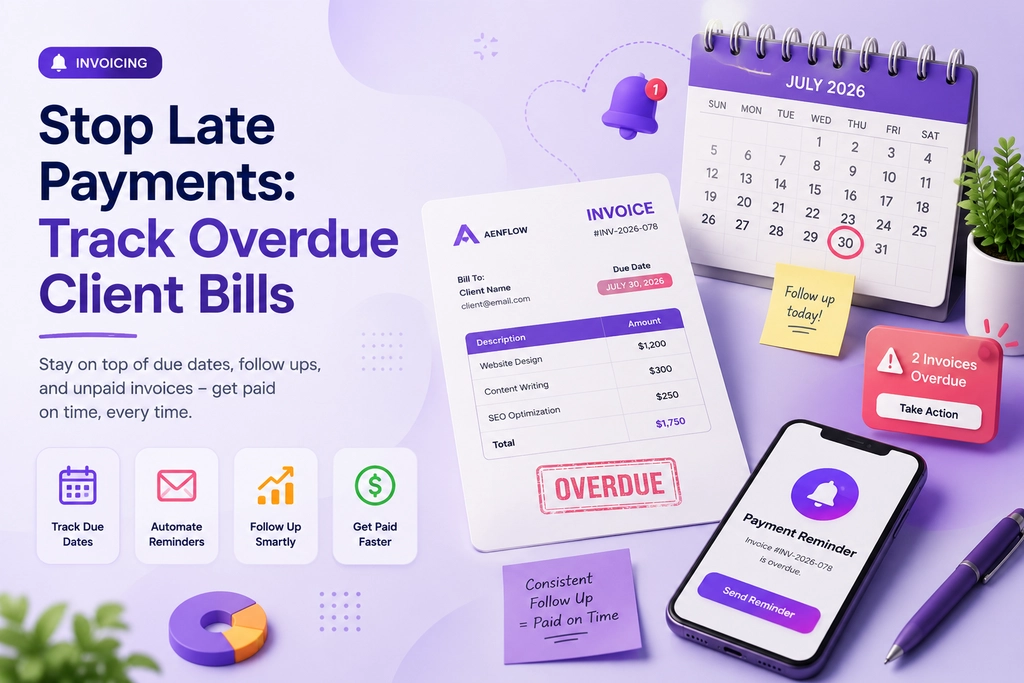
To stop late payments: set terms and deposits before work starts, put every invoice on a pending payment tracker with a due date, review Overdue twice weekly, follow a fixed reminder ladder, and pause new work when clients ignore due dates. Prevent late payments with simple invoice tracking — not with hoping people “remember.”
- Write payment terms into every proposal
- Require a deposit for new or risky clients
- Log each invoice as Pending with a due date
- Move to Overdue the day after the due date
- Chase on a schedule; update status to Paid when funds clear
Why freelance clients pay late (the real causes)
Most overdue invoice management articles blame “difficult clients.” Sometimes that is true. More often:
- No deposit, so urgency sits only on your side
- Due dates buried in PDF fine print
- No unpaid invoice tracker — so follow-ups are random
- You keep delivering while balances age
- Manual invoice organization lives in email search
Insight: Clients learn your enforcement pattern faster than your brand story. If overdue invoices get soft silence for three weeks, late becomes normal.
For the ledger side of paid vs unpaid, see how to keep track of paid and unpaid client invoices. For payment-history habits, see track client payment history.
Solution 1: Late payment prevention before you send the invoice
How to stop late payments starts upstream of chasing.
Steps
- Put net terms in writing (e.g., due on receipt, net-7, net-14)
- Collect 30–50% upfront for new relationships
- State what happens if payment is late (work pause, late fee if you use one)
- Send invoices the same day a milestone ends — delay creates late
- Make the due date impossible to miss in the email subject and first line
Example: A freelance marketer stopped “net-30 by default.” New clients got 50% deposit + net-7. Late payments dropped because risk moved earlier — classic late payment prevention without nastier emails.
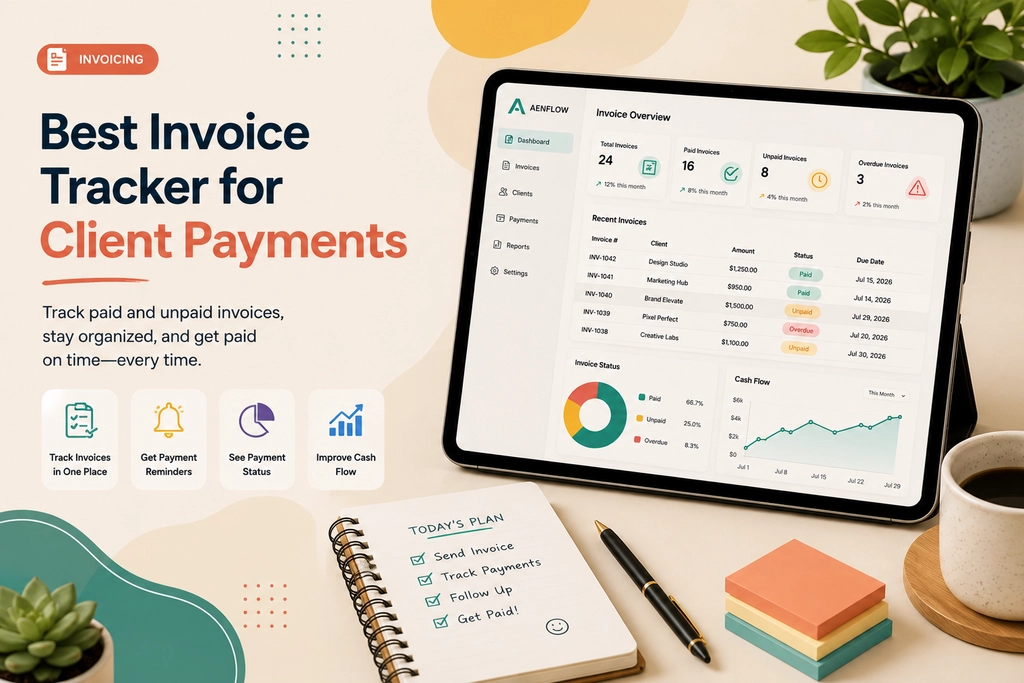
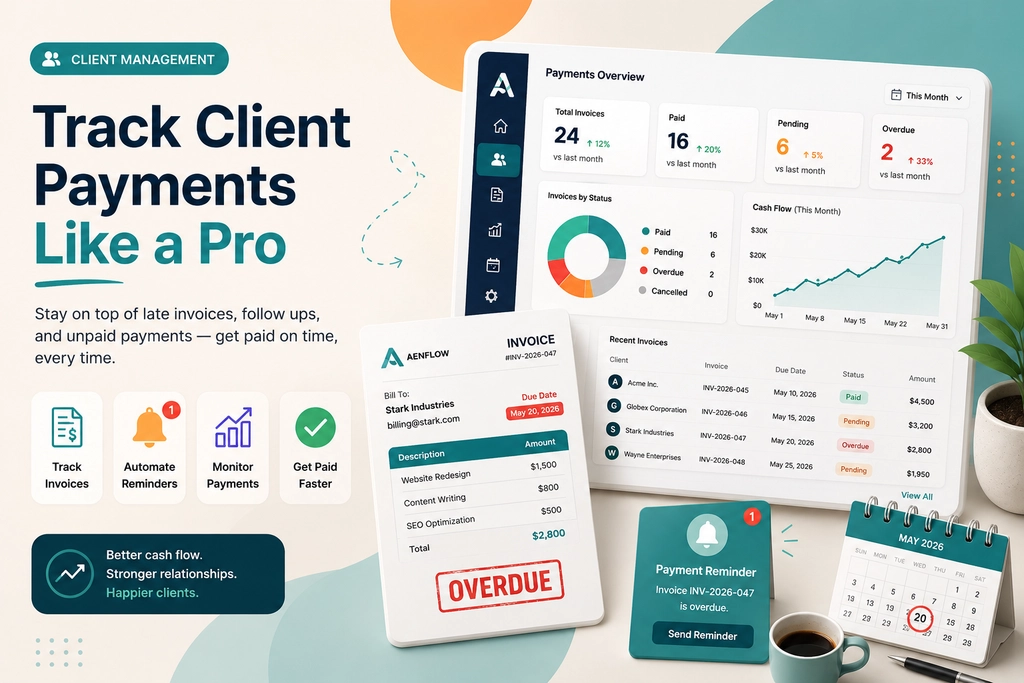
Solution 2: Build a simple unpaid invoice tracker (Pending / Overdue / Paid)
Client payment tracking does not need twenty columns. A simple unpaid invoice tracker for solopreneurs needs:
- Client name + invoice number
- Due date
- Amount and balance
- Status: Pending, Overdue, or Paid
- Next follow-up date
- Notes (promise date, PO number, who to chase)
That is how to organize client payment statuses effectively. Pending means not due or not yet late. Overdue means past due and still unpaid. Paid means funds cleared — not “they said they sent it.”
Example: A solopreneur designer replaced color-coded sheets with three status filters. Tuesday mornings became a 10-minute Overdue review instead of a scavenger hunt — best way to track overdue client invoices manually when you are solo.
Solution 3: Due date tracking without spreadsheet theater
How to keep track of invoice due dates without spreadsheets: keep due dates on the invoice record itself, then sort or filter by date. Month tabs and “FINAL_v7.xlsx” are how due dates die.
Weekly due-date ritual
- Monday: list invoices due in the next 7 days — send a polite heads-up if helpful
- After each due date: flip Pending → Overdue the next morning if unpaid
- Tuesday + Friday: work the Overdue list top to bottom
- Friday: sum Pending + Overdue for freelance cash flow control
This is how to monitor cash flow with pending invoices in under fifteen minutes. You are not forecasting the economy — you are counting what is still out.
Solution 4: What to do when clients ignore invoice due dates
Silence is a status. Treat it with a ladder, not vibes.
- Day 0: invoice sent with clear due date
- 3 days before due: short “coming up” note + payment details
- 1 day after due: “checking you received invoice #…”
- 7 days overdue: firmer reminder + ask for a pay-by date
- 14 days overdue: call or DM; confirm next step in writing
- 21+ days: pause new work if terms allow; final notice
What to do when clients ignore invoice due dates is mostly consistency. Random guilt messages train them to wait for your stress spike.
Example — remote consultant: One retainer client ignored three soft emails. On day 14 the consultant paused the weekly call until the Overdue balance cleared. Payment arrived in 48 hours. Overdue invoice management worked because delivery and payment stayed linked.
Solution 5: Prevent late payments with simple invoice tracking habits
Prevent late payments with simple invoice tracking by making status changes boring and automatic in your behavior:
- Create the invoice record the same day you send it
- Never leave status blank — default to Pending
- Update to Paid only when money is in the account
- Tag repeat late payers on the client record before the next quote
- Raise deposits for anyone who averages 10+ days late
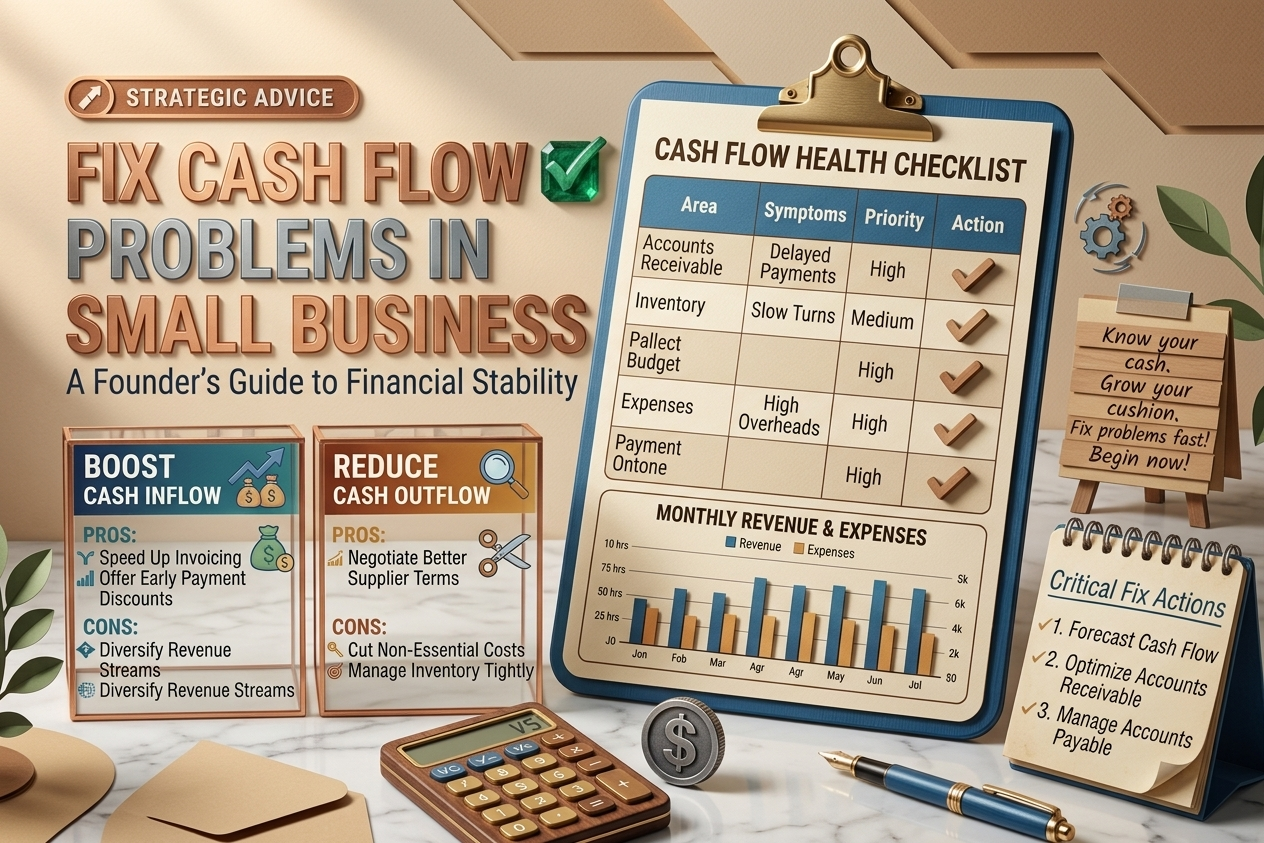
Chronic lateness is a pricing and terms signal. It also shows up in broader cash flow problems for small business even when your pipeline looks full.
Solution 6: A freelance billing dashboard that stays honest
A freelance billing dashboard should answer three questions fast: What is Pending? What is Overdue? What cleared this week? If your “dashboard” is a wall of charts with no chase list, it is decoration.
When spreadsheets fight you, use a simple workspace where clients, task hours, and invoice statuses live together. Aenflow fits freelancers who want zero-setup organization: track hours on tasks, keep client records tidy, and manually set invoice status to Paid, Pending, or Overdue in a clean dashboard — without pretending the app auto-builds invoices from timers. Pair that with client management and your own reminder ladder so overdue invoice management stays a human habit with better visibility. See freelancer workflows if that matches how you work.
Notion can hold your reminder templates and SOPs. Keep the live pending payment tracker where status changes are hard to lose — not buried in a page nobody opens on Friday.
A 7-day plan to regain control of overdue bills
- Day 1: List every unpaid invoice; assign Pending or Overdue honestly
- Day 2: Fix missing due dates and invoice numbers
- Day 3: Send reminders for everything already Overdue
- Day 4: Call or DM the oldest 3 balances
- Day 5: Update client records for repeat late payers
- Day 6: Rewrite terms/deposit rules for new work
- Day 7: Put Tue/Fri Overdue reviews on the calendar
Miss a day? Resume. How to stop late payments is a streak of small reviews, not a one-time confrontation.
Best practices for overdue invoice management
- Deposits for new clients by default
- Due dates visible in subject lines
- Pending / Overdue / Paid as your only core statuses
- Twice-weekly Overdue reviews — calendar blocked
- Same-day status updates when payment clears
- Work pauses written into terms before you need them
- Notes on every promise-to-pay date
Common mistakes that keep payments late
- Chasing only when rent is due: clients learn your panic cycle
- Marking Paid from a screenshot: wait for cleared funds
- No next follow-up date: Overdue lists go stale
- Continuing delivery at 30+ days late: you finance their project
- Five tools, zero unpaid invoice tracker: status lives nowhere
- Apologizing for asking: you invoiced for work already done
Real-world scenarios
Solopreneur illustrator: Simple unpaid invoice tracker with three statuses. Friday cash-flow glance = Pending + Overdue sum. Late payment prevention came from deposits, not sterner fonts on PDFs.
Two-person studio: Shared freelance billing dashboard; one owner for the Overdue list each week. Client payment tracking stopped depending on who “felt responsible.”
Retainer coach: Clients ignored due dates until sessions paused after day 14. Invoice status tracking made the rule enforceable without personal conflict every month.
FAQ
Quick answers on how to stop late payments, overdue invoice management, and due date tracking:
How to stop late payments from freelance clients?
Prevent late payments with deposits, clear due dates, a pending payment tracker you review twice weekly, and a fixed reminder ladder. Soft, random chasing teaches clients that deadlines are optional.
What is the best way to track overdue client invoices manually?
Keep one unpaid invoice tracker with status (Pending, Overdue, Paid), due date, balance, and next follow-up date. Sort by days late twice a week. Manual invoice organization beats a pile of PDF folders.
How to keep track of invoice due dates without spreadsheets?
Use a freelance billing dashboard or client workspace where each invoice has a due date and status you update yourself. Filter Pending and Overdue views instead of rebuilding month tabs in Excel.
What to do when clients ignore invoice due dates?
Send the scheduled reminder, confirm they received the invoice, offer one clear payment path, then escalate: call/DM, pause new work if terms allow, and document everything on the client record.
How can solopreneurs use a simple unpaid invoice tracker?
Three statuses are enough: Pending, Overdue, Paid. Add due date and next chase date. Review Tuesday and Friday. That simple unpaid invoice tracker for solopreneurs prevents most “I forgot to follow up” losses.
How do I monitor cash flow with pending invoices?
Sum Pending + Overdue balances weekly, then compare to upcoming expenses. How to monitor cash flow with pending invoices is a short arithmetic habit — not a complex forecast model.
Conclusion
How to stop late payments is not a personality upgrade — it is overdue invoice management with teeth: clear terms, a pending payment tracker, due date tracking you actually review, and consistent follow-up when clients ignore deadlines.
Build the unpaid list, run the twice-weekly ritual, and protect your delivery boundaries. That is how freelancers turn chasing into a short, calm process — and keep freelance cash flow control without living in spreadsheet chaos.
If you want clients, task hours, and manual Paid / Pending / Overdue statuses in one simple dashboard, explore Aenflow or start from invoice management. More help: invoicing guides.